Grok Imagine
Générateur d’images IA
Plans prêts pour le mouvement, concepts pensés pour les réseaux sociaux et retouches guidées par référence.
Utiliser Grok ImagineGrok Imagine est connu pour un style créatif audacieux en image et vidéo. Ce générateur concentre cette énergie dans la création d’images à partir de texte et la retouche guidée par des images de référence : écrivez une scène avec mouvement de caméra, ambiance et contexte social, puis façonnez-la en direction visuelle cinématique.


0/5000 caractères
Connectez-vous et recevez 3 crédits avec le check-in du jour
Pas encore de résultats
Cliquez sur le bouton "Générer" ci-dessus pour commencer à créer
Prompt ou référence
Commencez par décrire la scène, ou importez des images de référence lorsque l’identité, la pose, le produit ou la composition compte déjà.
Cadres pour créateurs
Créez des formats carrés, verticaux, horizontaux et poster pour miniatures, posts, publicités et pages d’atterrissage.
Explorer ou finaliser
Utilisez le mode rapide pour chercher une direction, puis le mode haute qualité lorsque le cadre, l’ambiance et le sujet méritent d’être peaufinés.
Retouche multi-référence
Le flux image-vers-image accepte jusqu’à cinq images de référence pour combiner identité, composition, détails produit et indices de style.
Décompte des usages
Chaque lancement Grok Imagine compte comme un usage: les générations rapides et retouches commencent à 5 crédits, le mode haute qualité utilise 6 crédits.
Même flux de création, autre mission
Grok Imagine convient aux équipes qui ont besoin d’une direction cinématique, pas d’une autre démo statique.
Choisissez le modèle selon la tâche. Certaines images demandent une mise en page propre ou une précision produit; d’autres demandent de l’attitude, du mouvement et un hook visuel. Grok Imagine appartient à cette seconde voie.
Nano Banana 2
Modèle de production équilibré
Bon choix par défaut pour la génération générale, les visuels produit et les tâches créatives répétables.
GPT Image 2
Spécialiste du texte et de la mise en page
Utile quand le texte lisible, les compositions type UI, les posters et les mises en page structurées comptent plus que la variation rapide.
Grok Imagine
Voie conceptuelle prête pour le mouvement
Idéal quand un prompt a besoin d’énergie cinématique, d’un style pensé pour les réseaux sociaux ou d’un plan fixe qui semble prêt à bouger.
Présentation des fonctions
Un flux créatif adapté à la création d’images cinématiques.
Utilisez Grok Imagine quand un prompt doit devenir une scène, pas seulement une image. La page met l’accent sur les prompts façon réalisateur, les idées pensées pour les réseaux sociaux et les retouches par référence.
Concevoir des plans qui semblent prêts à bouger
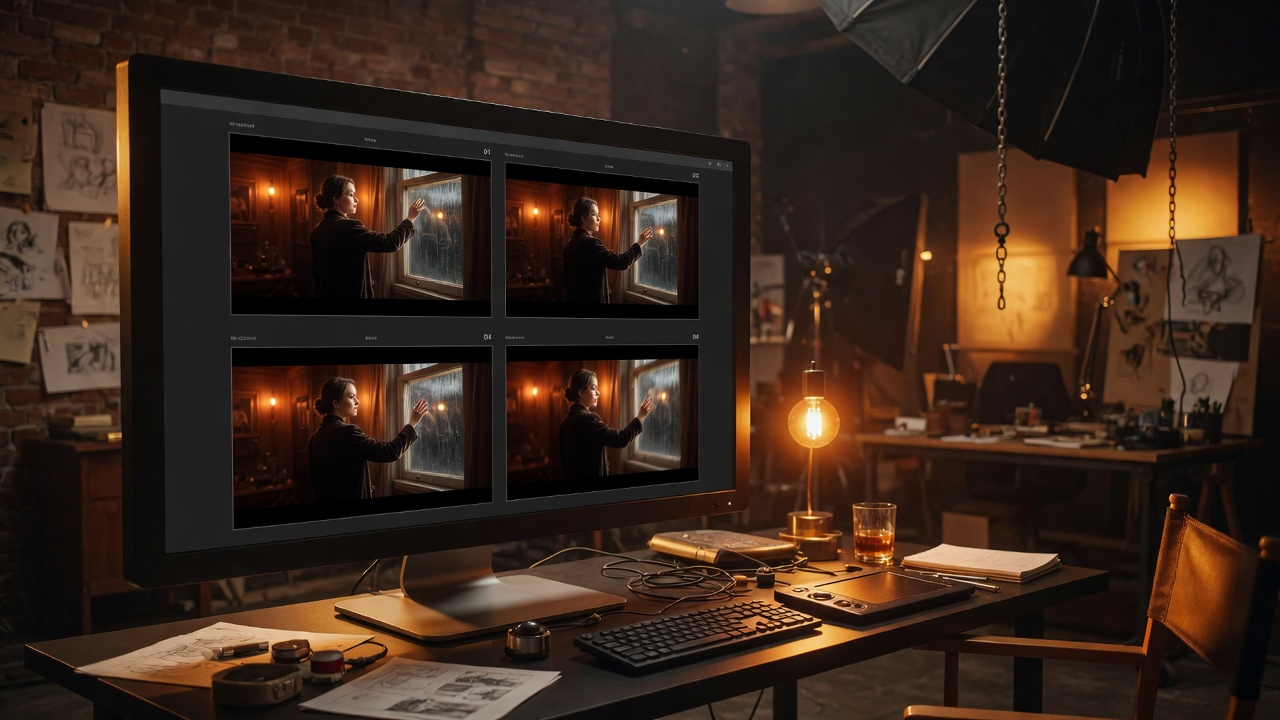
Grok Imagine devient le plus intéressant quand le prompt ressemble à une note de réalisateur plutôt qu’à une demande d’illustration statique. Demandez l’angle caméra, le mouvement du sujet, l’atmosphère, le rythme et un premier cadre fort.
- Indiquez le choix de l’objectif, les indices de mouvement, le rythme émotionnel et l’environnement.
- Créez des plans utilisables en miniatures, storyboards ou moodboards.
- Utilisez le mode qualité lorsque le cadre mérite plus de détail et de finition.
Construire des idées pour les réseaux sociaux avec une lecture forte
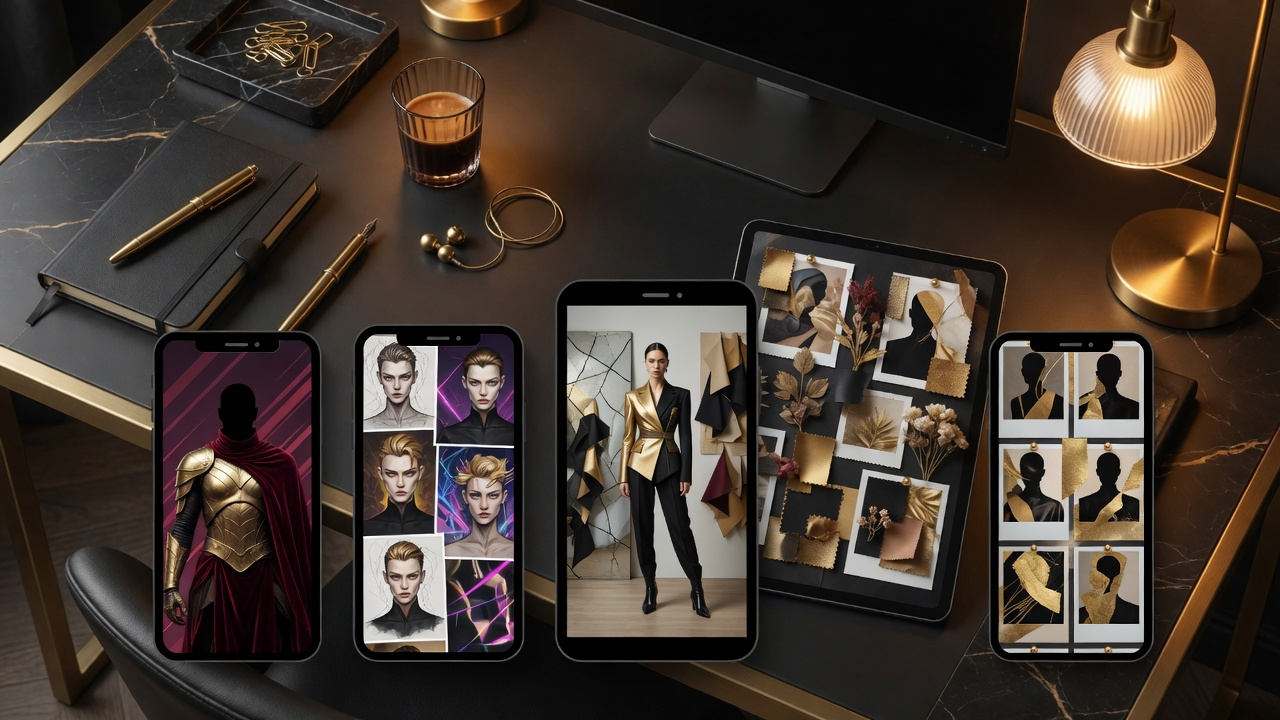
Le vrai intérêt n’est pas le nombre de sorties. Grok Imagine aide à trouver une idée qui arrête le défilement: personnages forts, mondes produit étranges, cadres mode cinématiques, concepts de miniatures et hooks visuels.
- Utilisez une composition percutante pour les posts et les publicités.
- Explorez couleur, silhouette, expression et histoire avant la production.
- Transformez rapidement un angle créatif brut en direction visuelle plus claire.
Transformer une référence en direction plus forte
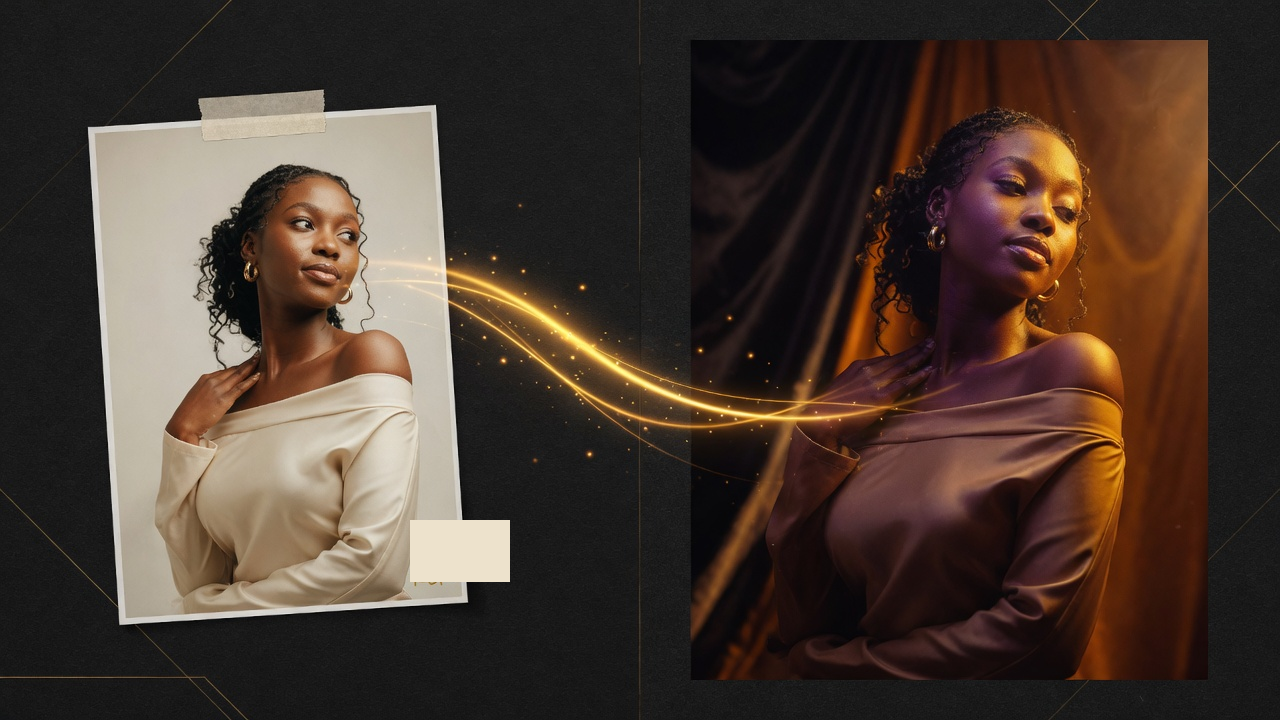
La retouche à partir d’une image donne une ancre concrète au modèle. Importez une image source, décrivez le nouveau décor, l’ambiance, la caméra, la lumière ou l’audience, puis orientez la retouche vers une direction plus cinématique.
- Utilisez jusqu’à cinq références quand l’identité, la posture, les détails produit ou la mise en scène comptent.
- Décrivez la retouche en lumière, décor, caméra et intention émotionnelle.
- Gardez l’image source comme ancre tout en changeant la direction créative.
Fonctions clés
Tout sur la page revient à la direction cinématique.
Le set de fonctions est pratique: écrire une scène plus riche, contrôler le format, explorer un hook visuel, puis utiliser une référence quand le sujet ou la mise en page doit rester reconnaissable.
Prompting sensible au mouvement
Les prompts Grok Imagine fonctionnent mieux lorsqu’ils décrivent l’angle caméra, le mouvement implicite, l’énergie du sujet et le ressenti de la scène.
Style pour feeds créateurs
Utilisez le modèle pour des miniatures fortes, posts sociaux, concepts de personnages et moodboards de campagne où la première lecture compte.
Retouches guidées par référence
Importez jusqu’à cinq images lorsque les sources contiennent déjà l’identité, la mise en page, la pose, le produit ou les indices de style, puis guidez la retouche avec ambiance, lumière et langage caméra.
Plusieurs ratios sociaux
Créez des cadres portrait, paysage, carrés et verticaux pour publicités, posts, pages d’atterrissage et concepts de formats courts.
Différent des modèles de mise en page
Utilisez Grok Imagine quand l’énergie cinématique et la direction visuelle comptent plus que la typographie dense ou la précision des textes produit.
Modes créatifs clairs
Le mode rapide sert à explorer, le mode haute qualité à polir, et la retouche par référence aux changements de direction guidés par une image source.
Flux de création
De l’idée de scène au visuel prêt pour les créateurs.
Traitez chaque génération comme une courte étape créative: définissez la scène, jugez la première lecture, affinez la caméra et l’ambiance, puis ancrez l’image avec une référence si nécessaire.
Écrire la scène
Décrivez le sujet, la caméra, la lumière, le mouvement, l’ambiance et le contexte social. Traitez le prompt comme une note créative courte, pas comme une liste de mots-clés.
Trouver la première lecture
Cherchez l’image qui communique le plus vite: silhouette, émotion, couleur et composition doivent être claires avant les petits détails.
Façonner la direction
Utilisez le mode haute qualité lorsque l’idée est assez forte, ou ajustez le prompt autour du langage caméra et de l’intention narrative.
Ancrer avec une référence
Importez jusqu’à cinq images de référence lorsque l’identité, la pose, les détails produit ou la mise en page doivent rester reconnaissables, puis demandez une direction plus claire.
Galerie d’exemples
Le modèle favorise le mouvement, l’ambiance et une première lecture forte.
Utilisez-le quand le projet a besoin d’un visuel qui pourrait devenir un court clip, une miniature ou un cadre de campagne sociale. La galerie montre le langage visuel qui fonctionne bien pour Grok Imagine: histoire, caméra, ambiance et intention d’audience.
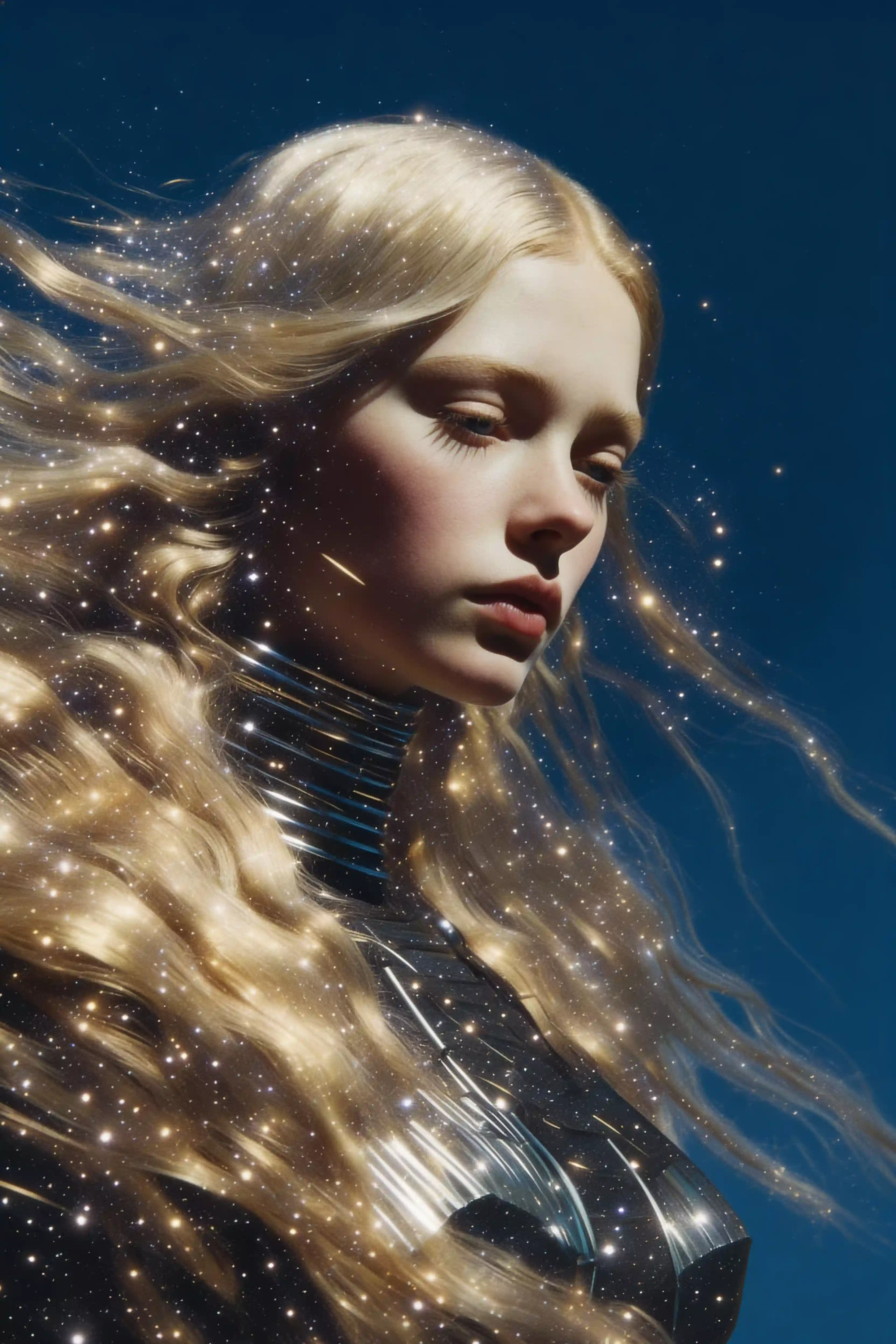
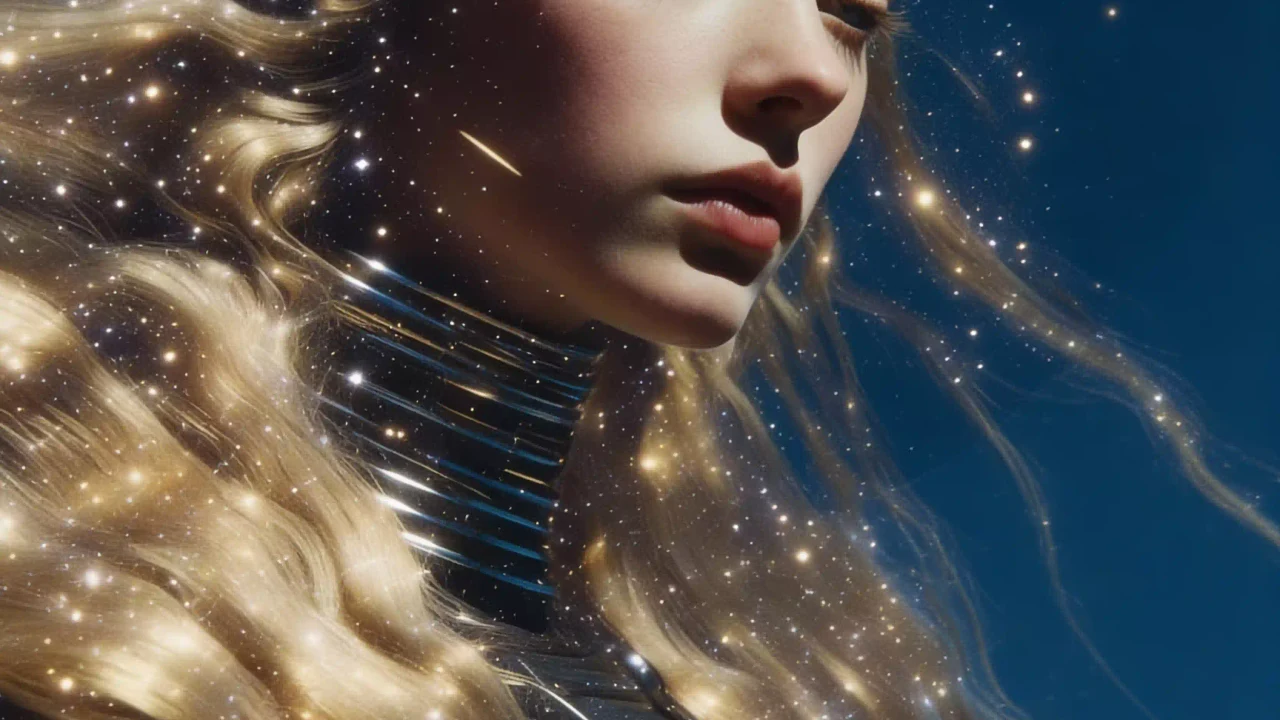
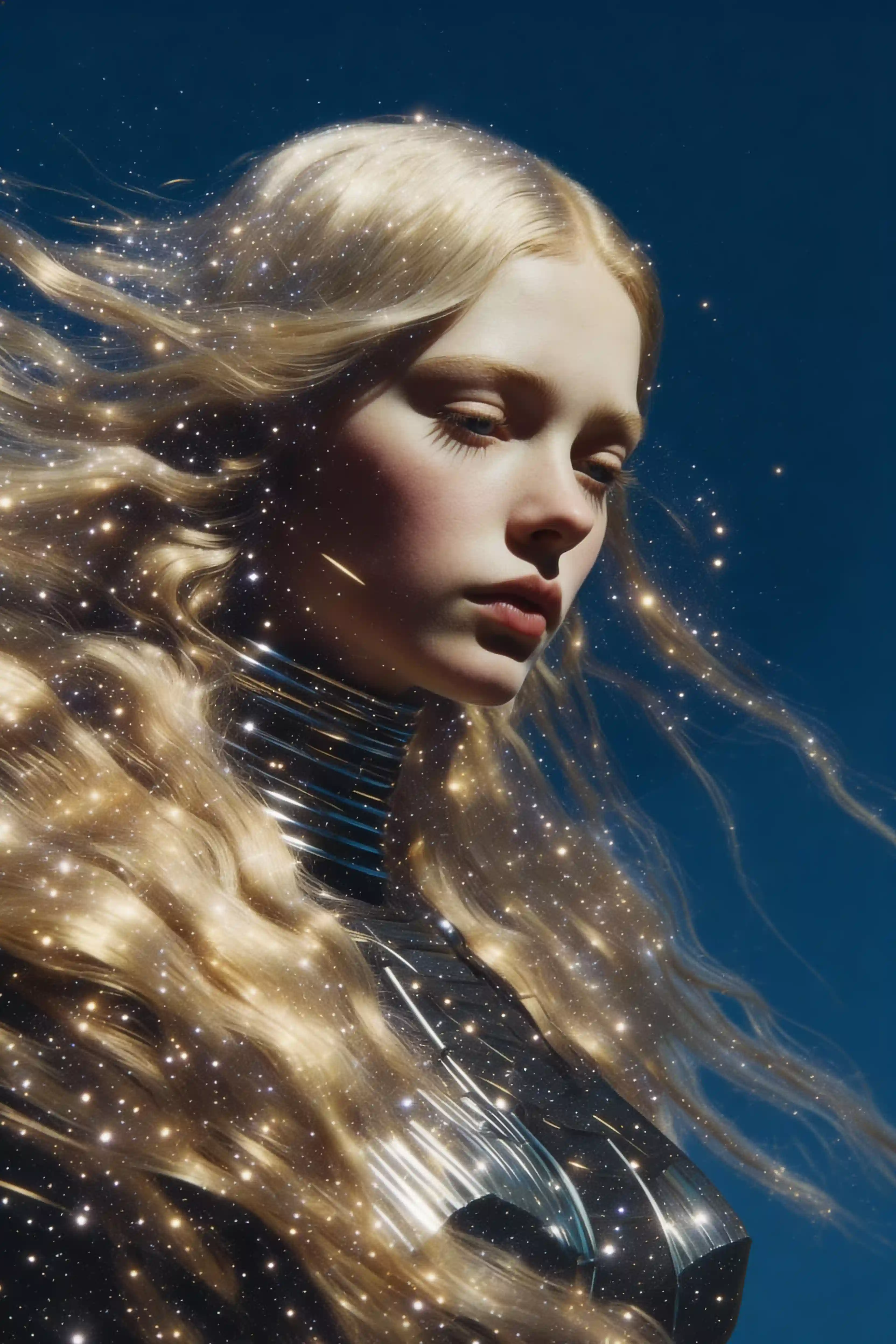
Portrait de profil féminin, cheveux blonds flottants fusionnant avec un champ d’étoiles, particules dorées dans les mèches, fond circulaire bleu profond, atmosphère éthérée, texture photo artistique.
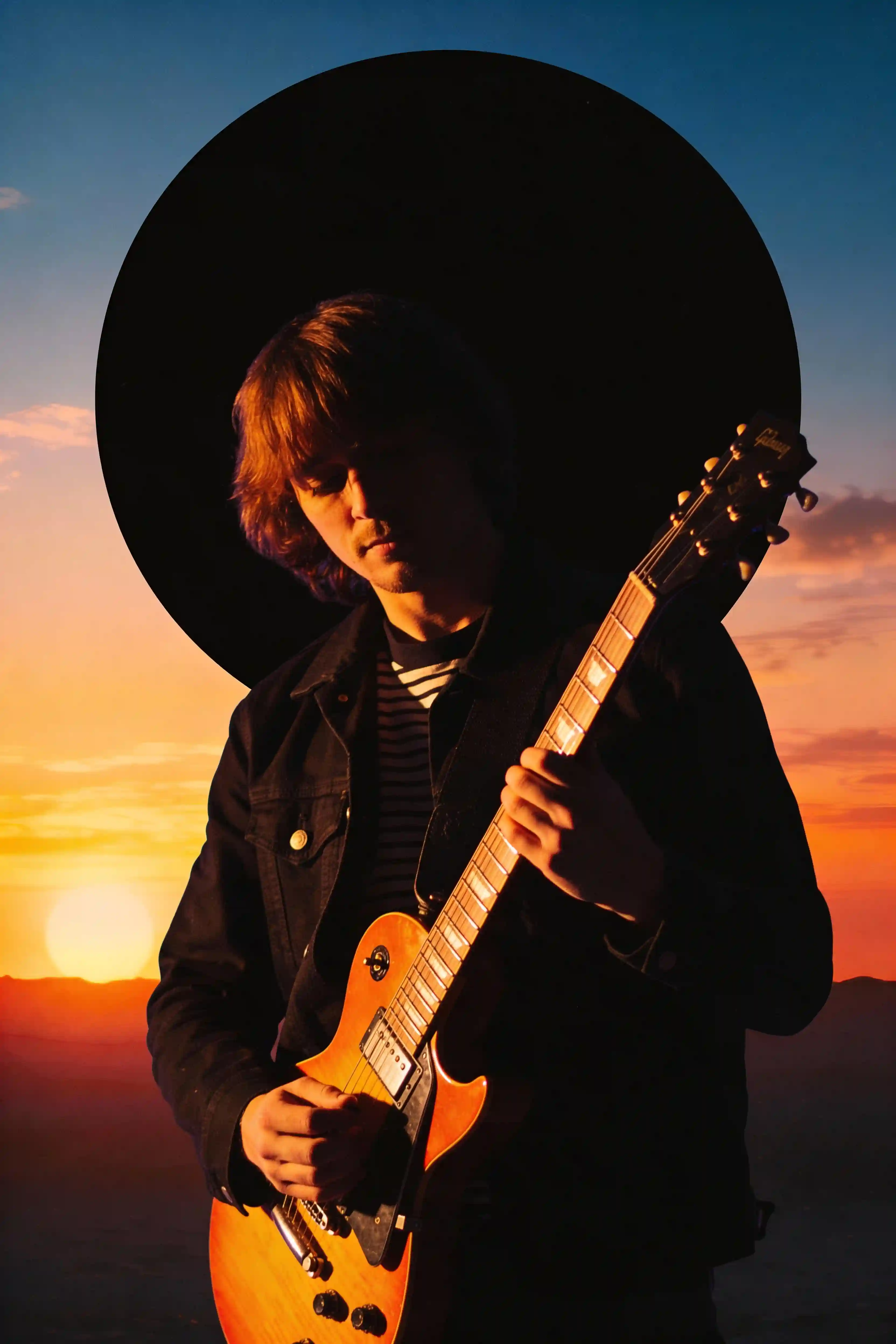
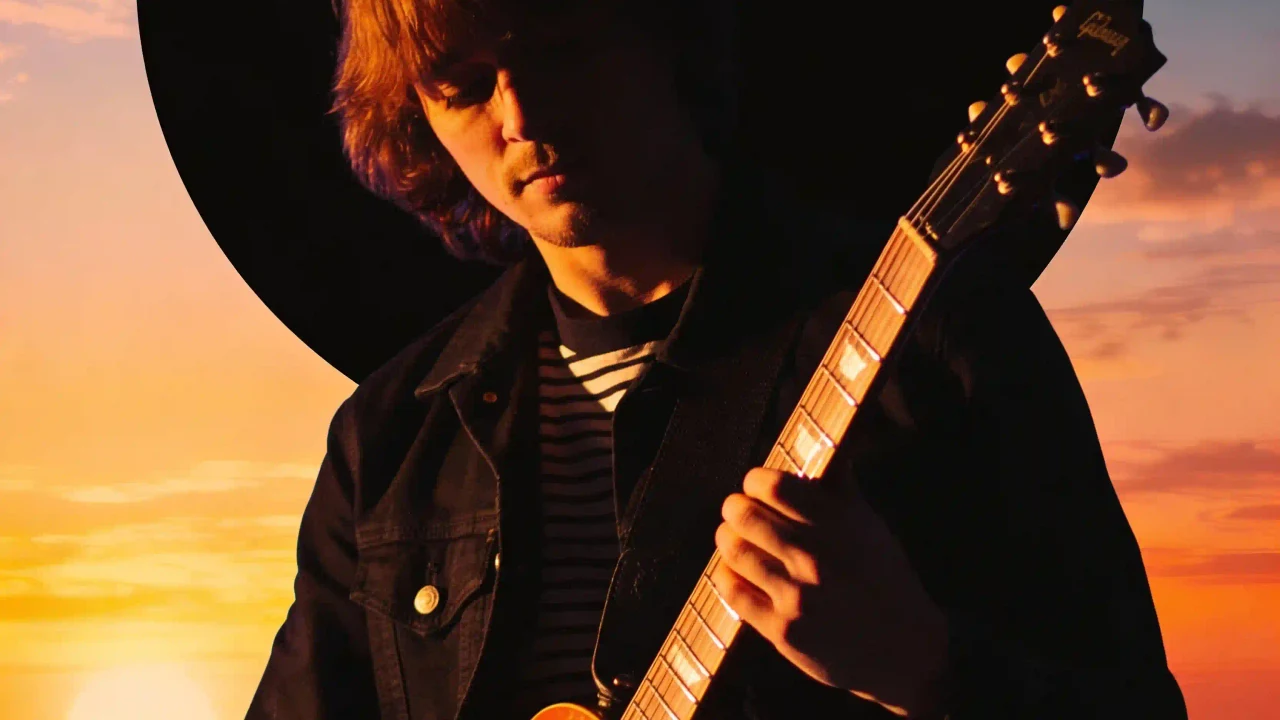
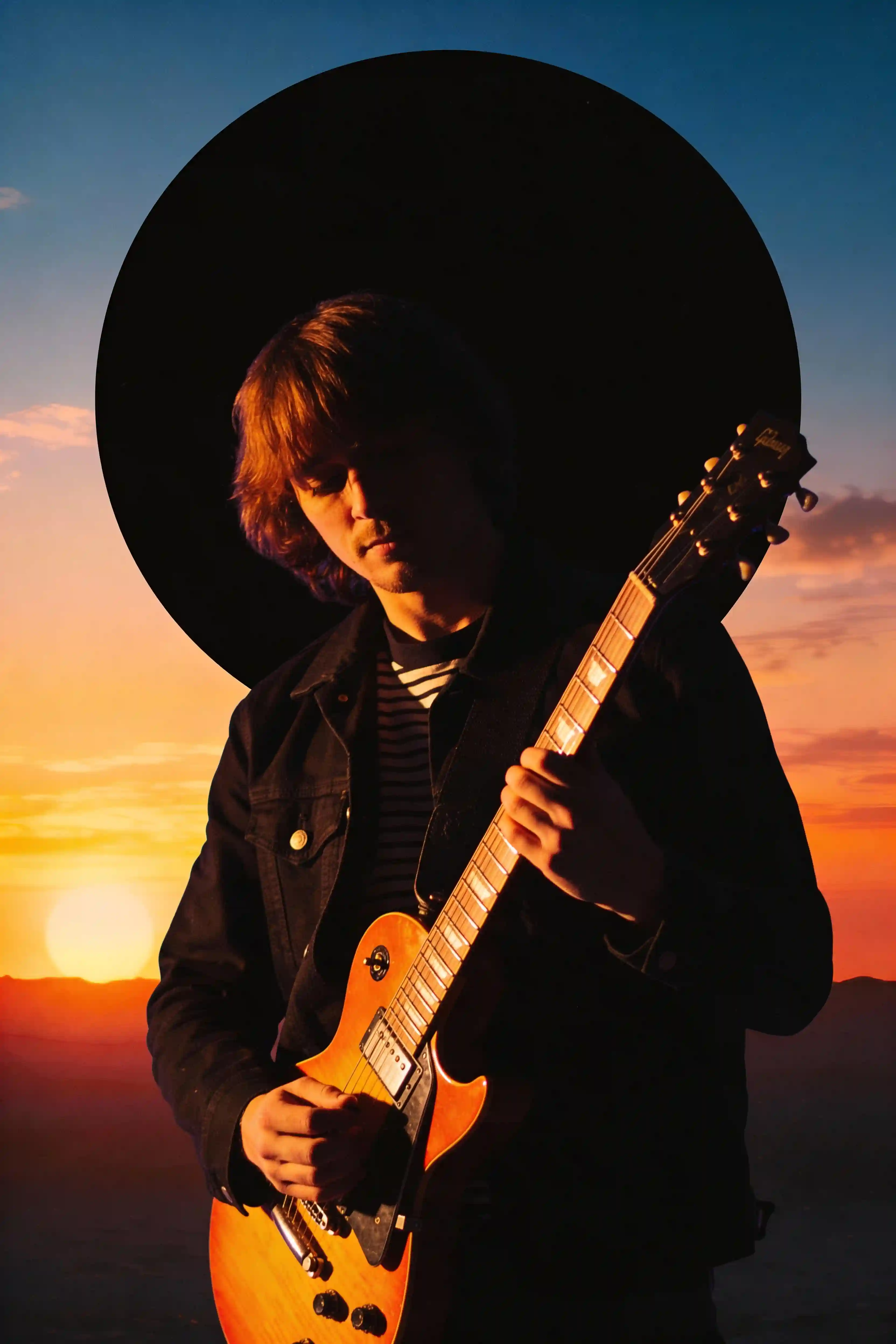
Silhouette de guitariste tenant une guitare électrique sunburst, contre-jour orange dessinant le contour, fond circulaire noir avec dégradé coucher de soleil, style synthwave années 80.
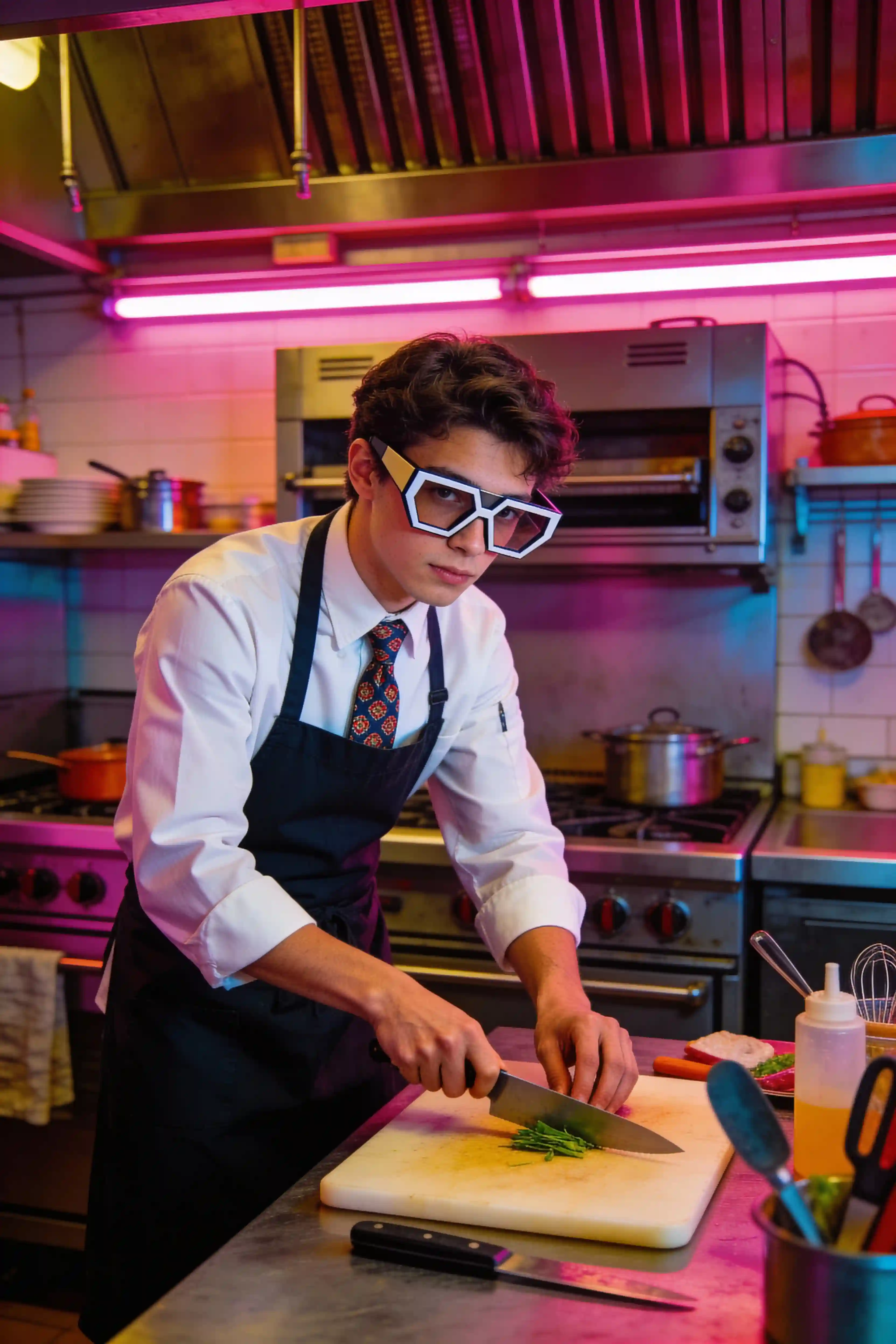
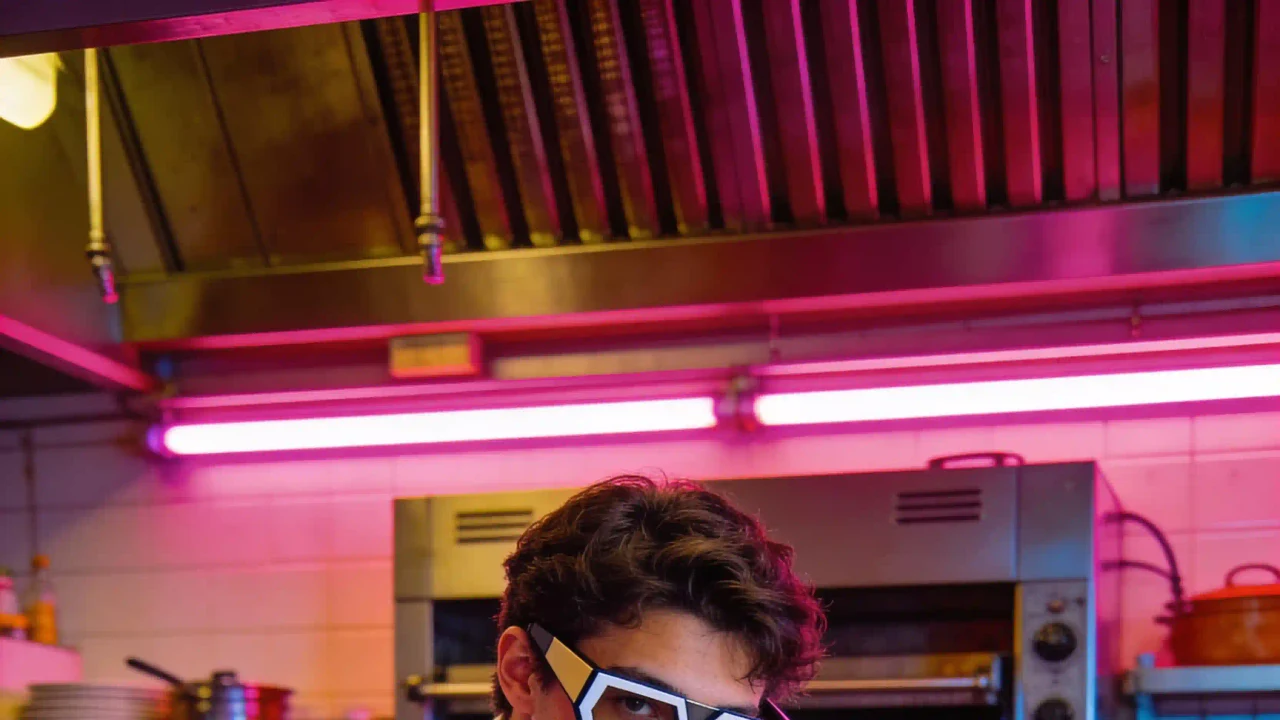
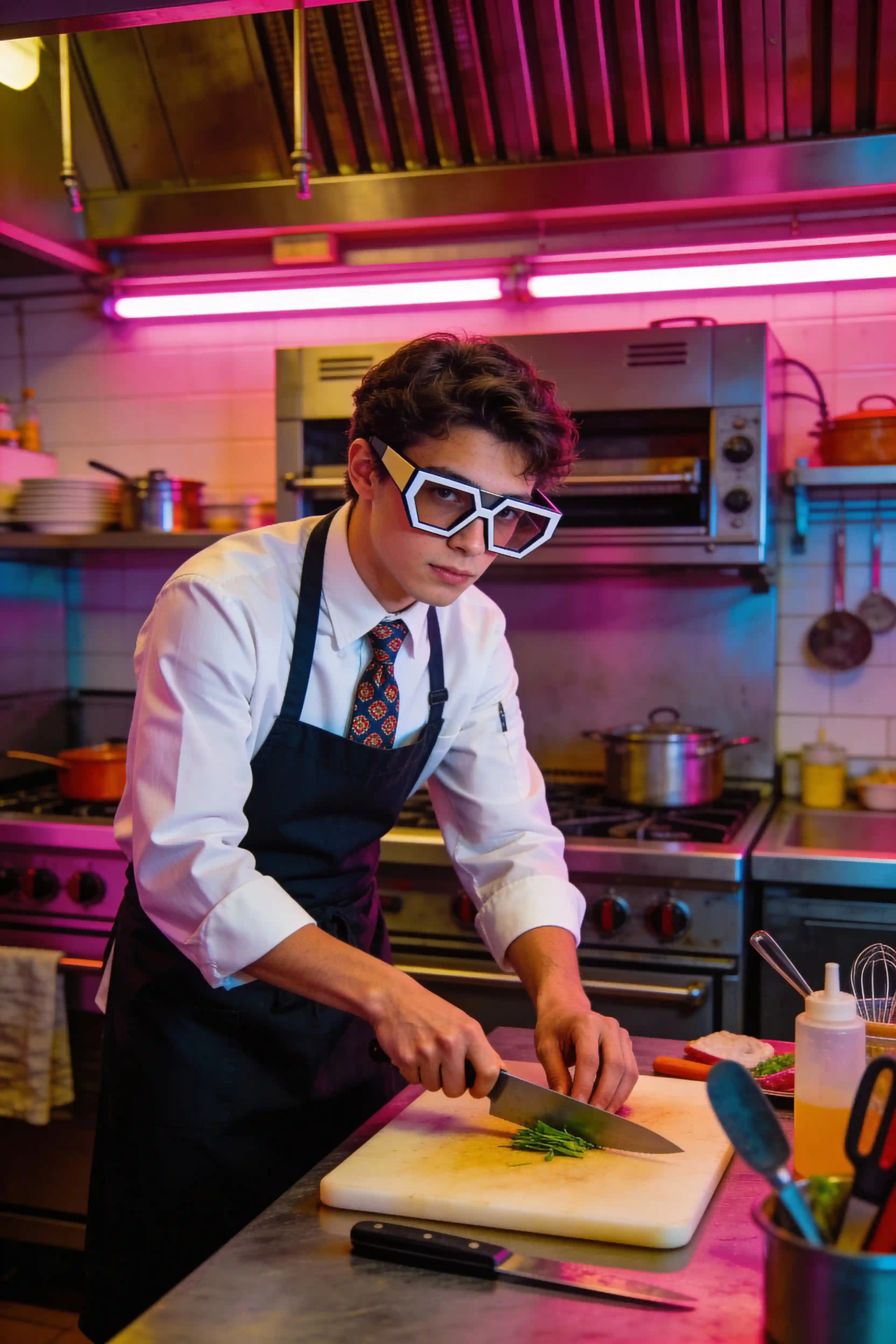
Jeune chef préparant un plat dans une cuisine rétro-futuriste, chemise blanche, tablier sombre, cravate à motifs, grandes lunettes géométriques, néon rose, tons synthwave, composition cinématique.
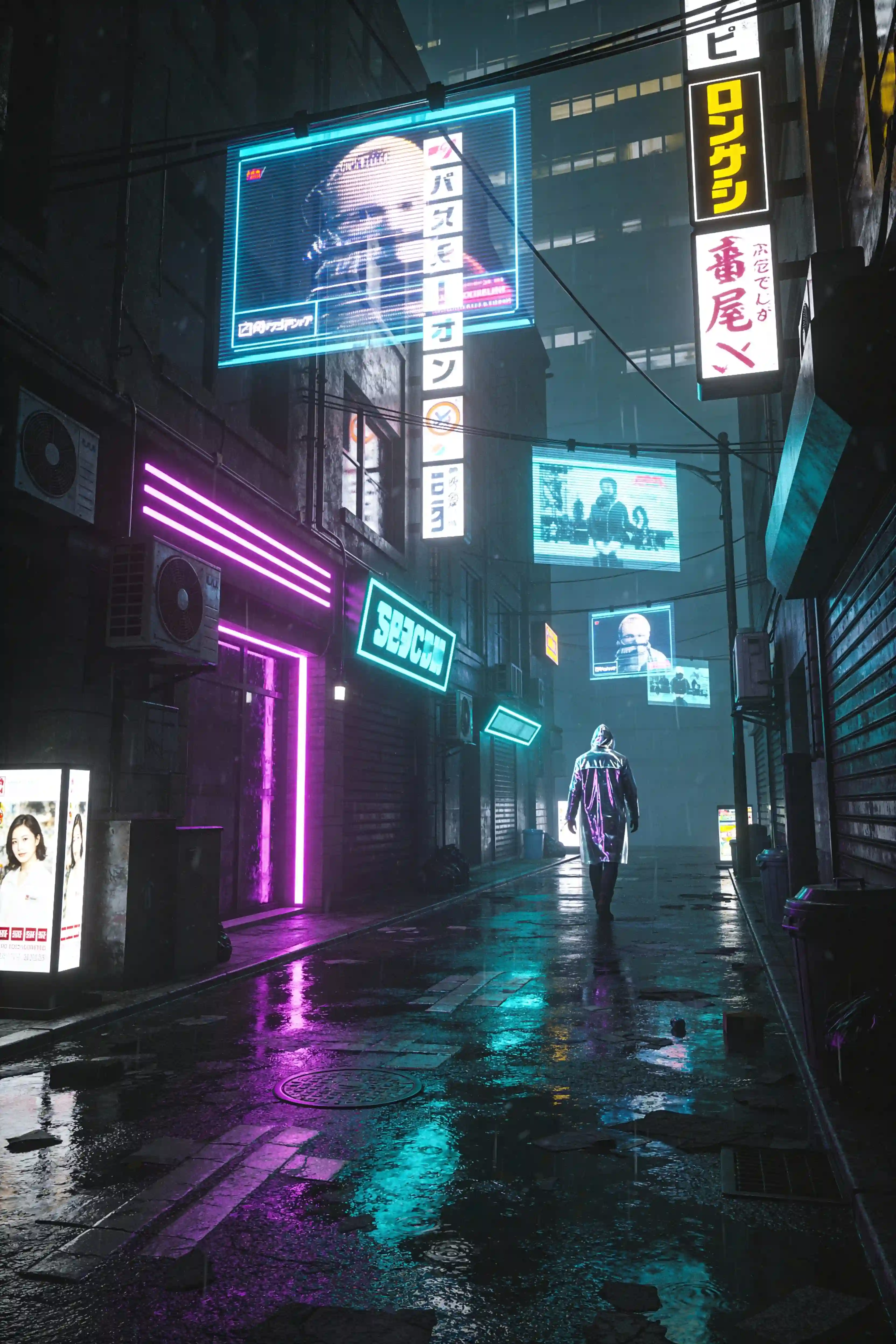
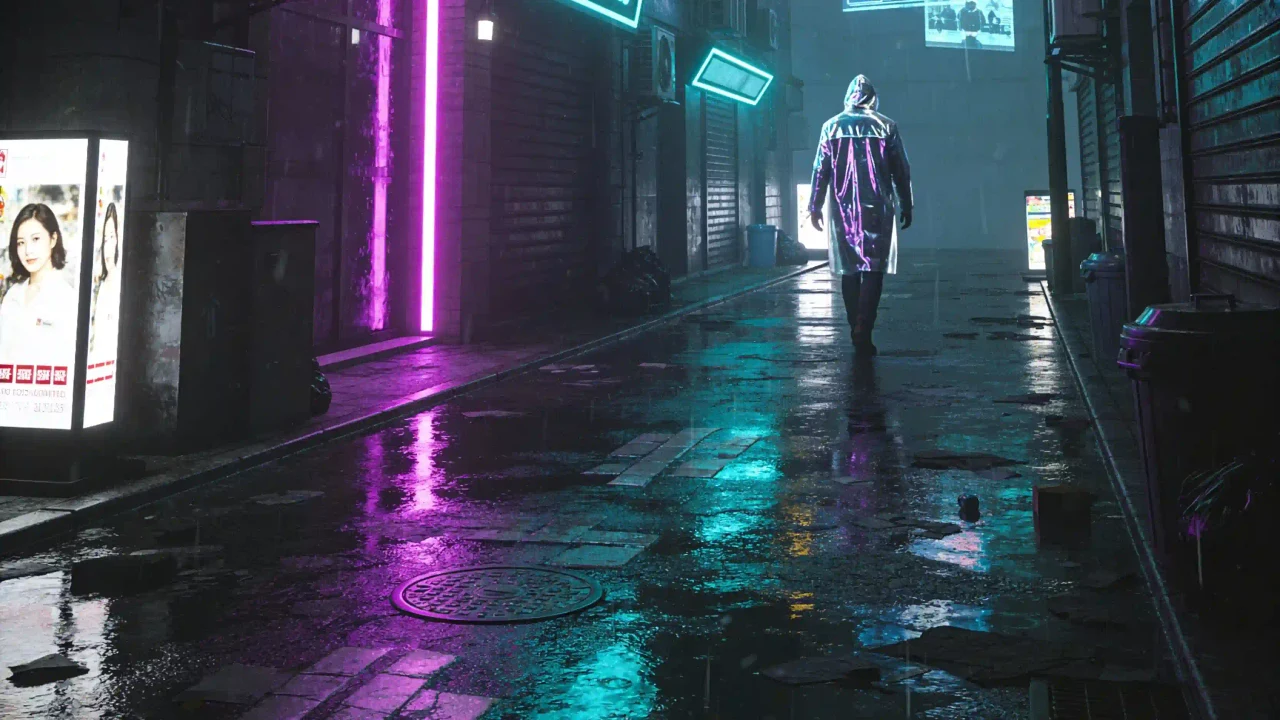
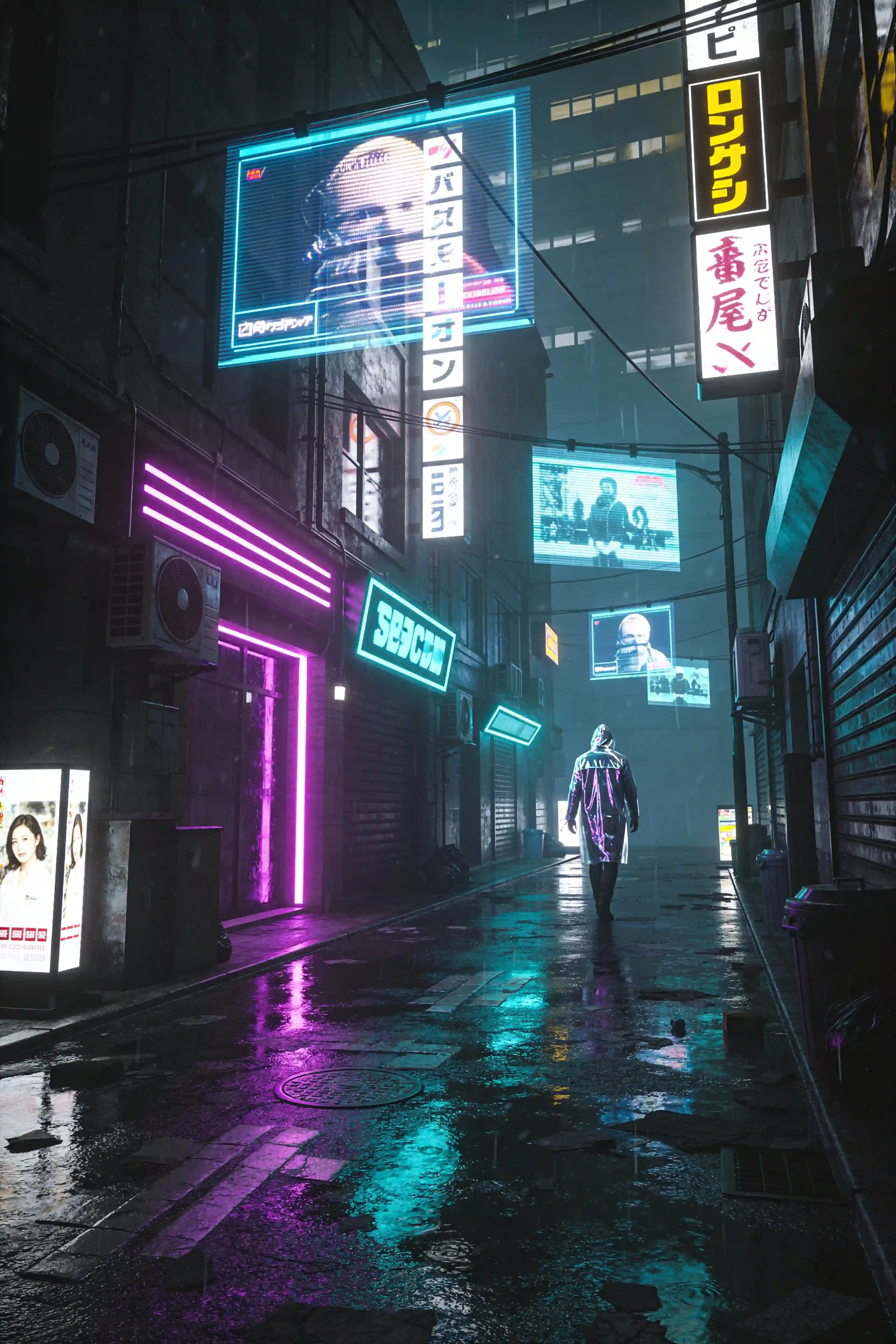
Ruelle néon dans le Tokyo futuriste, publicités holographiques au-dessus, silhouette solitaire en imperméable réfléchissant, sol mouillé reflétant violet et cyan, ambiance cinématique grand angle.
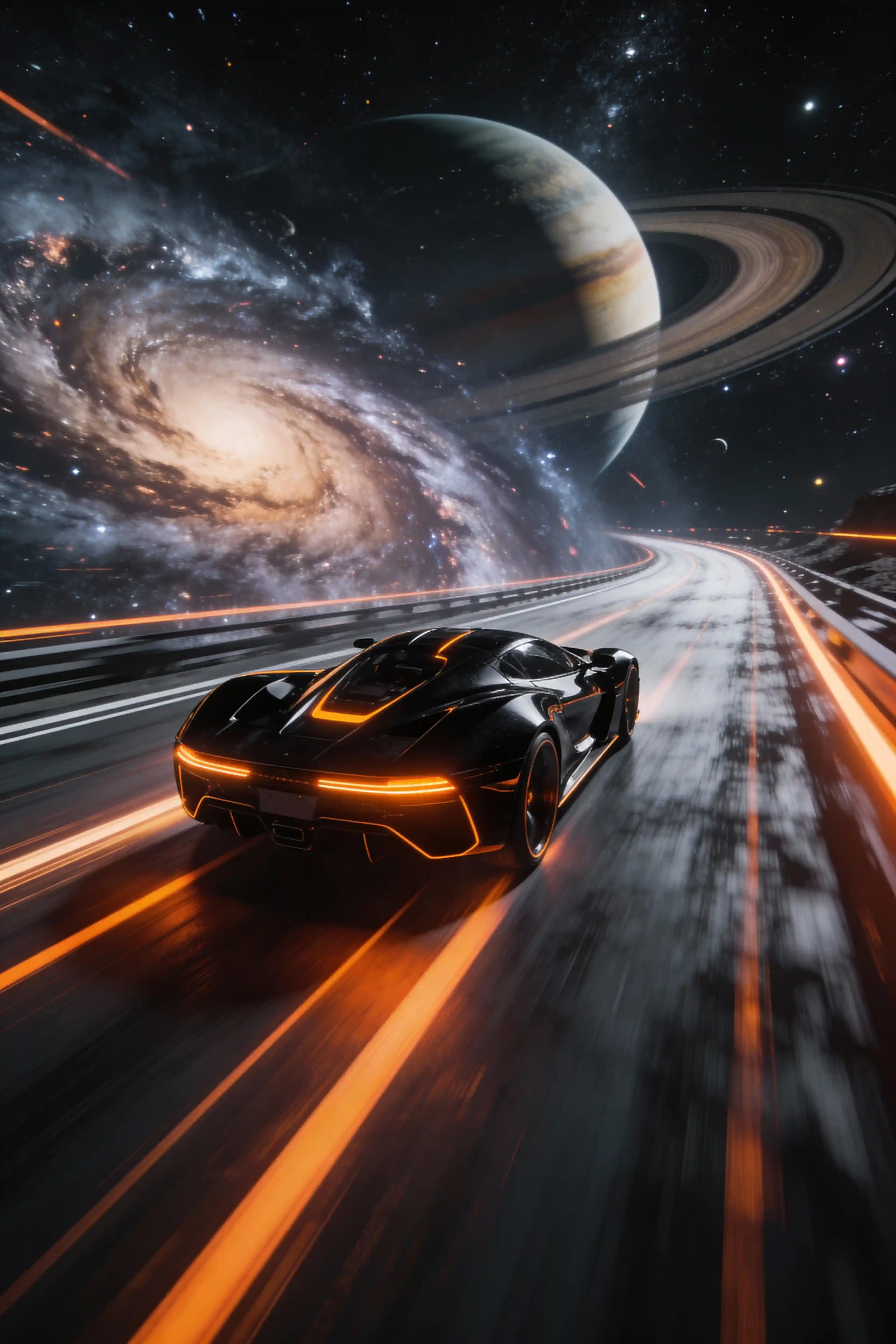
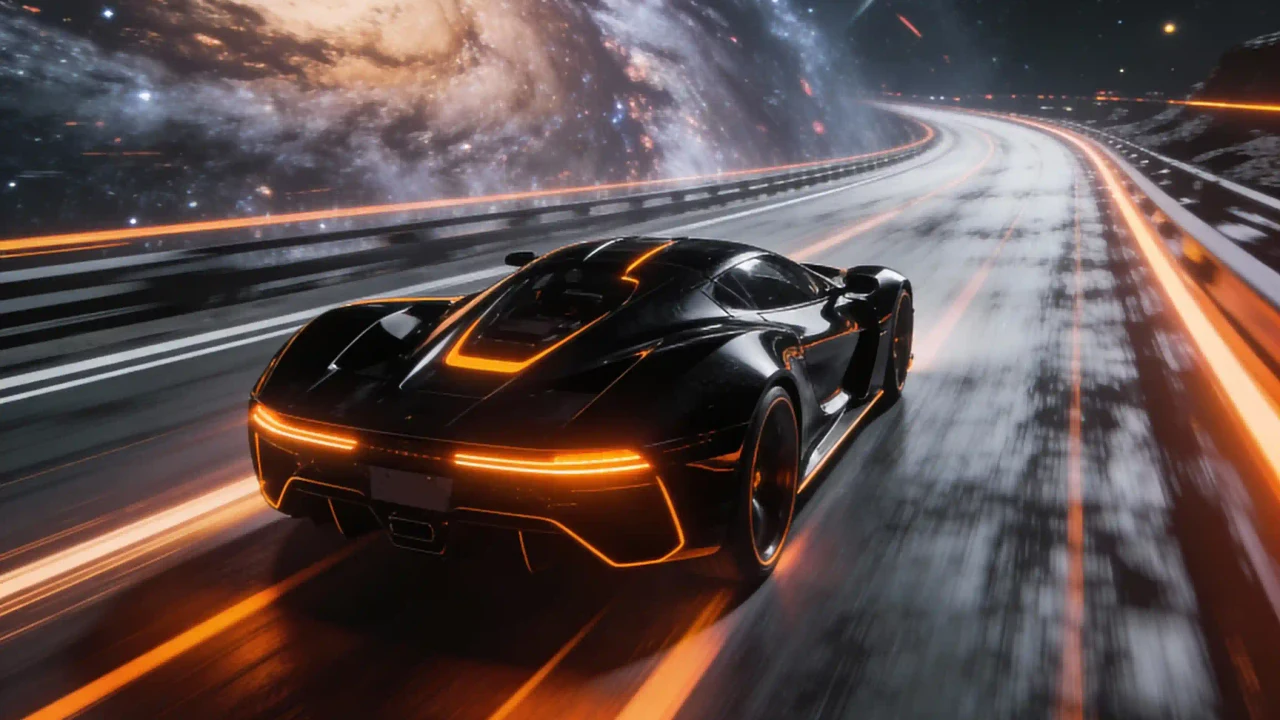
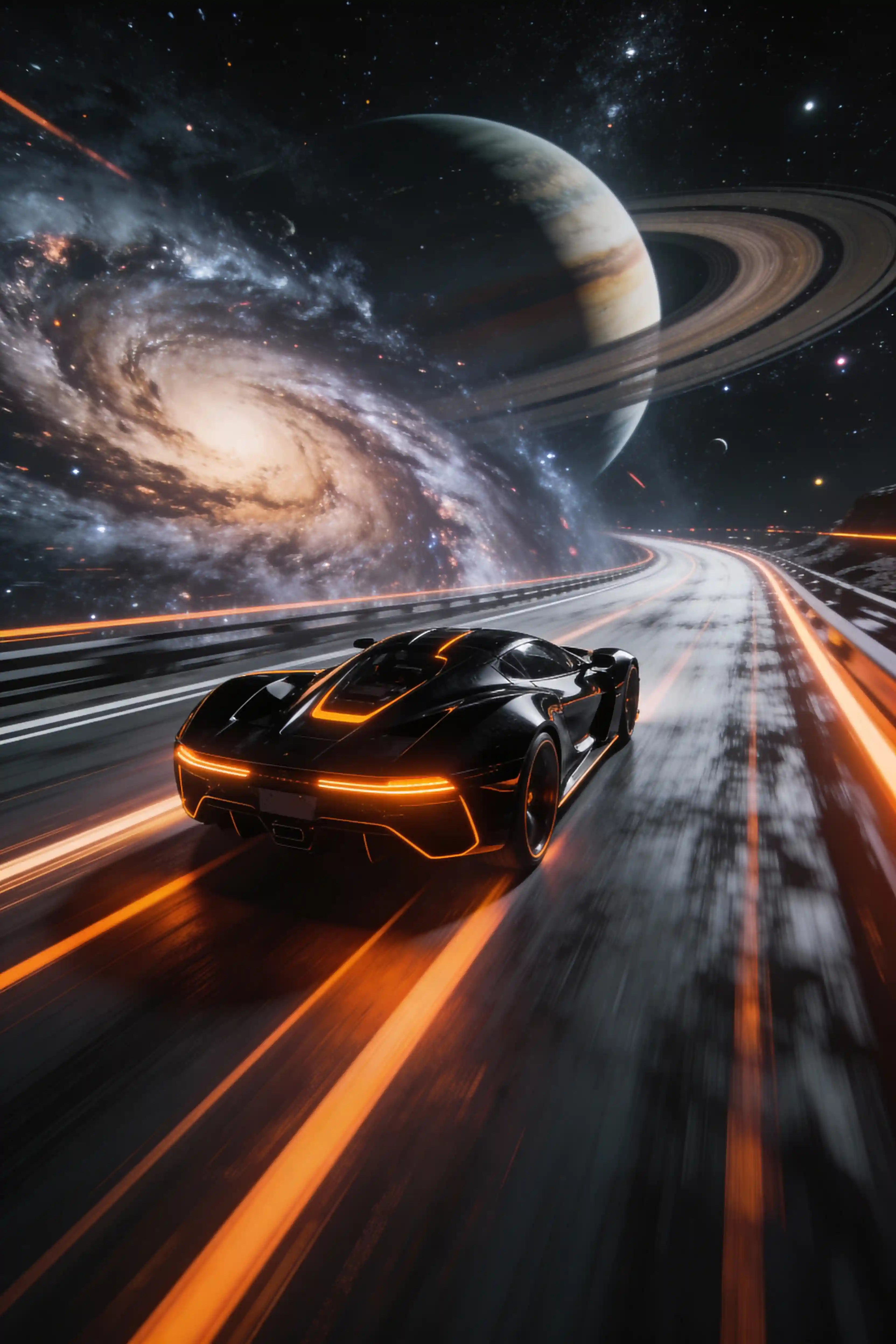
Voiture de sport noire avec accents orange filant sur une autoroute cosmique, galaxie tourbillonnante et anneaux planétaires en arrière-plan, flou de mouvement, design sci-fi, lumière cinématique épique.
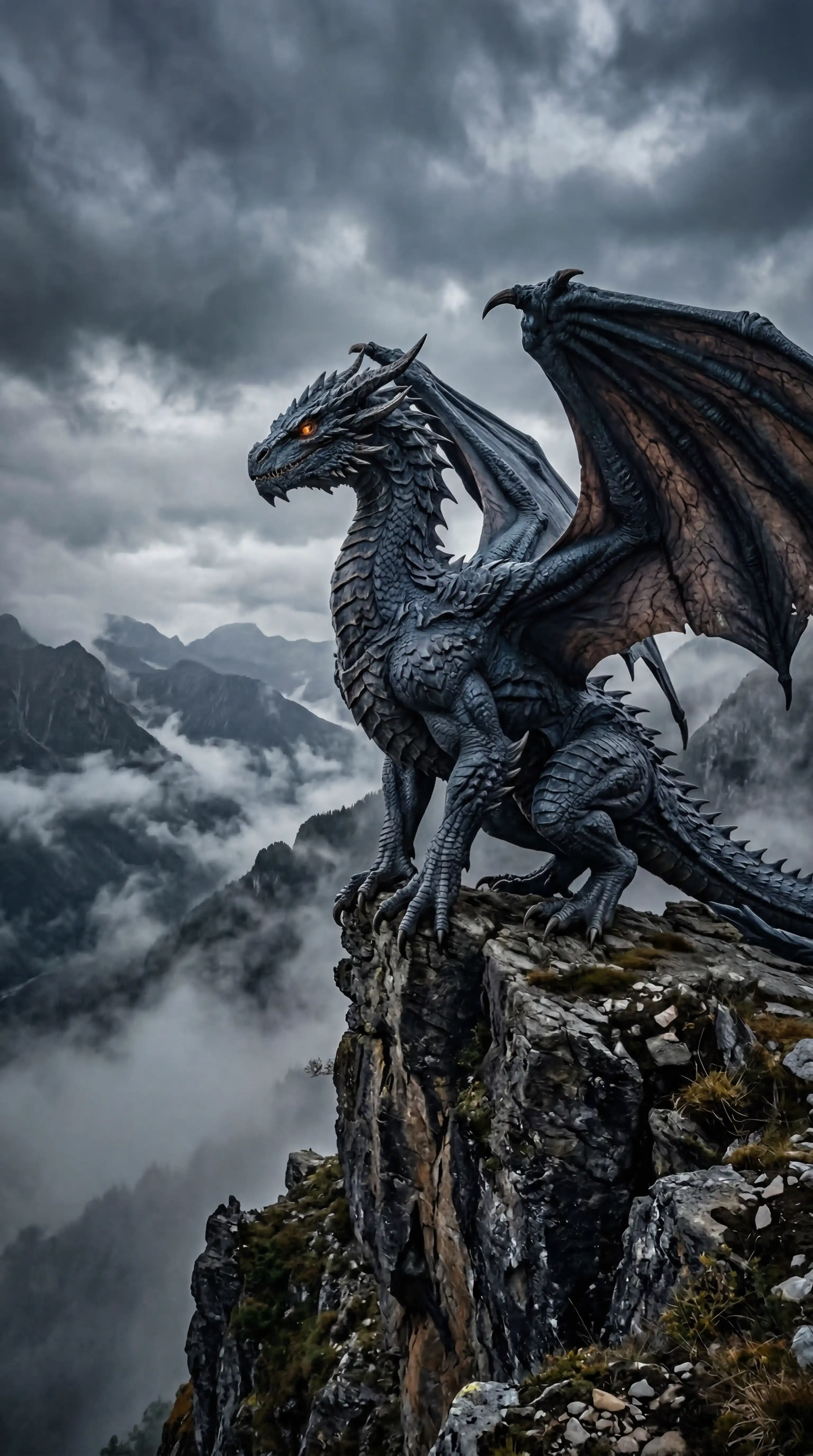
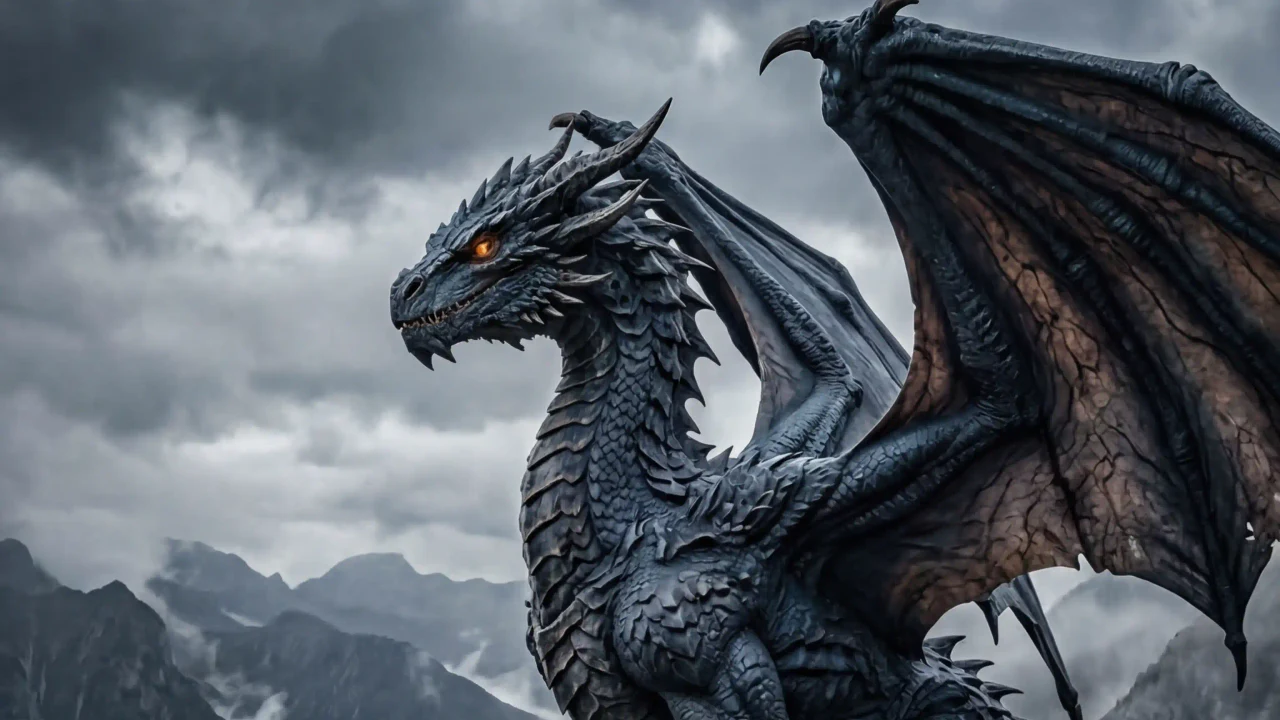
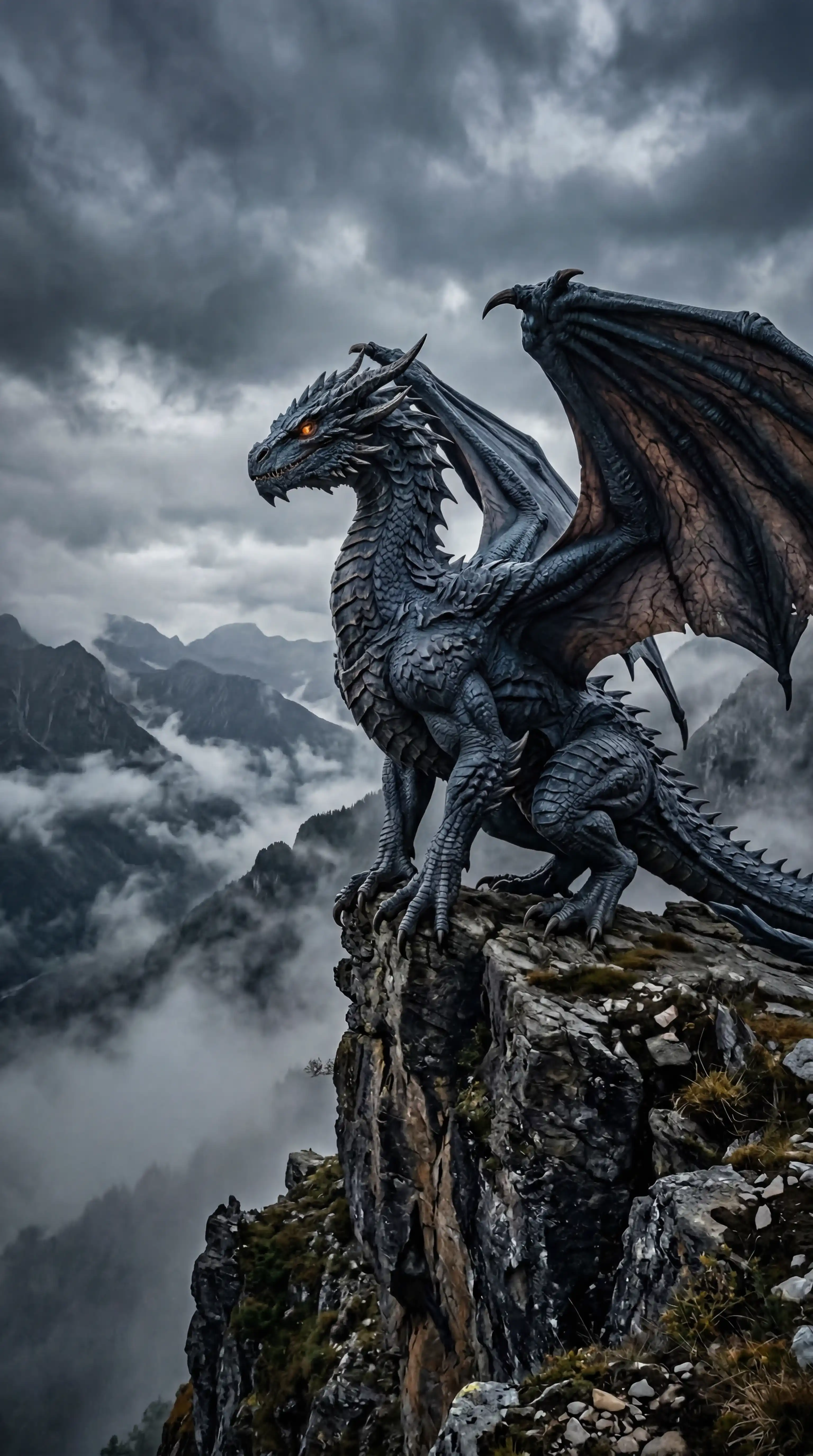
Dragon bleu acier perché sur une falaise escarpée, ailes à moitié repliées, yeux ambrés observant une vallée de nuages, montagnes disparaissant dans la brume, fantasy réaliste.
Choisissez votre plan parfait
La créativité illimitée commence ici
Choisir un abonnement
Facturation annuelle de $114.00
Voir tous les tarifs des modèles
- Tous les modèles d'image et vidéo, dont Grok Imagine
- Téléchargements haute résolution sans filigrane
- Tous les modèles de style inclus
Facturation annuelle de $234.00
Voir tous les tarifs des modèles
- Tous les modèles d'image et vidéo, dont Grok Imagine
- Téléchargements haute résolution sans filigrane
- Licence d'utilisation commerciale
Facturation annuelle de $960.00
Voir tous les tarifs des modèles
- Tous les modèles d'image et vidéo, dont Grok Imagine
- Téléchargements haute résolution sans filigrane
- Licence d'utilisation commerciale
FAQ du générateur
À quoi sert le mieux Grok Imagine?
Grok Imagine est idéal pour les concepts visuels prêts pour le mouvement, les idées pensées pour les réseaux sociaux, les moodboards cinématiques et les retouches guidées par référence.
Cette page inclut-elle la vidéo Grok Imagine?
Cette page prend actuellement en charge la génération d’images Grok Imagine et la retouche guidée par référence. Le sujet public couvre image et vidéo, mais cette implémentation expose les parcours image connectés au produit.
La retouche par référence fonctionne-t-elle?
Oui. Le flux image-vers-image accepte jusqu’à cinq images de référence importées et les mentionne automatiquement dans le prompt.
Comment écrire un prompt Grok Imagine?
Indiquez l’angle caméra, l’énergie du sujet, la lumière, le décor, le style et l’usage social prévu. Précisez si l’image doit évoquer un cadre de film, une miniature créateur, un concept mode ou un moodboard.
Commencez par une scène, puis façonnez la direction visuelle.
Utilisez Grok Imagine quand le prompt a besoin d’un vrai pouls visuel: une scène plus forte, un hook social plus net, un angle de caméra plus cinématique ou une retouche guidée par référence.