


Editorial portrait
Fisherman portrait
A working fisherman and dog on a boat, shown as a paired visual exploration.
Flare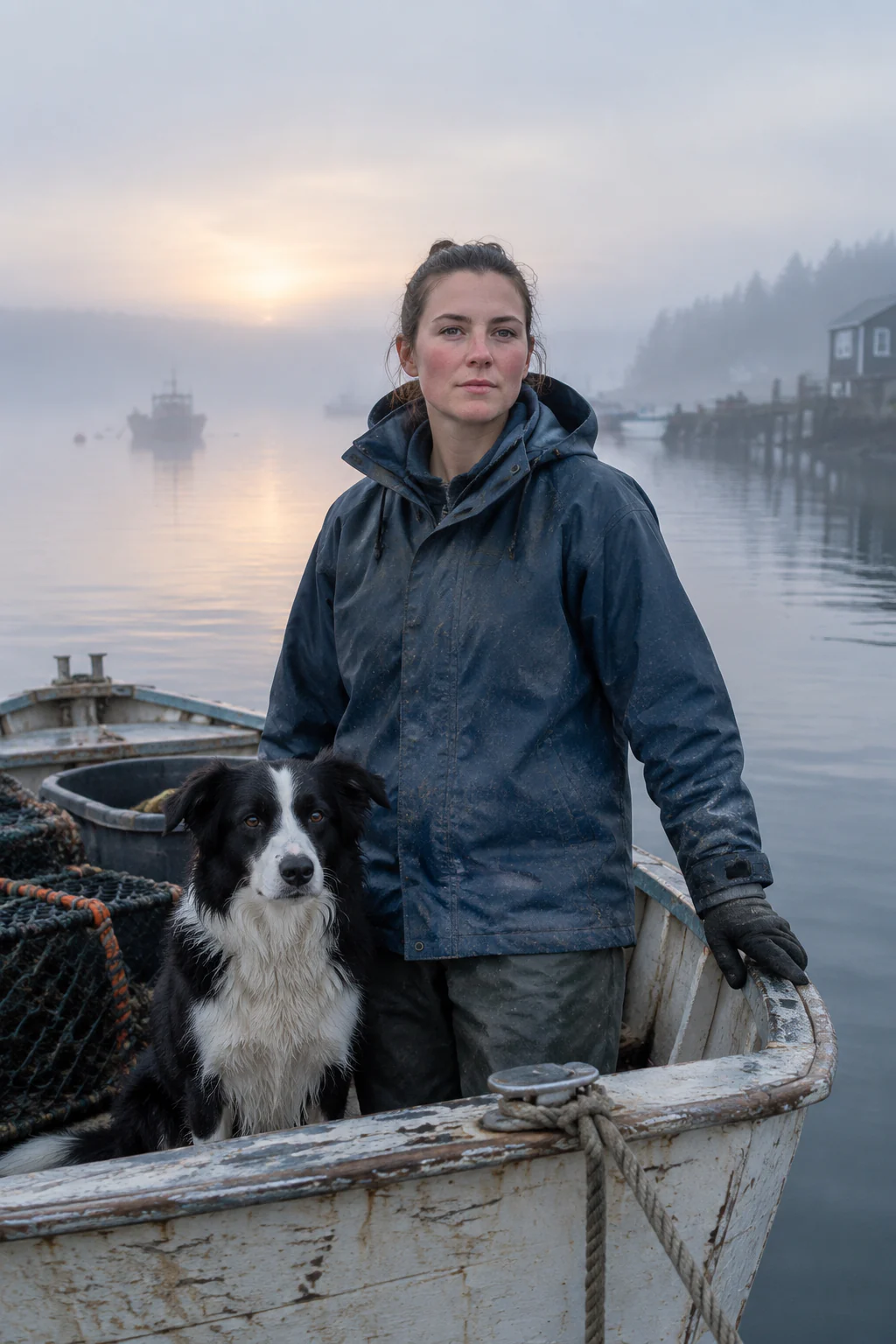
Sunburst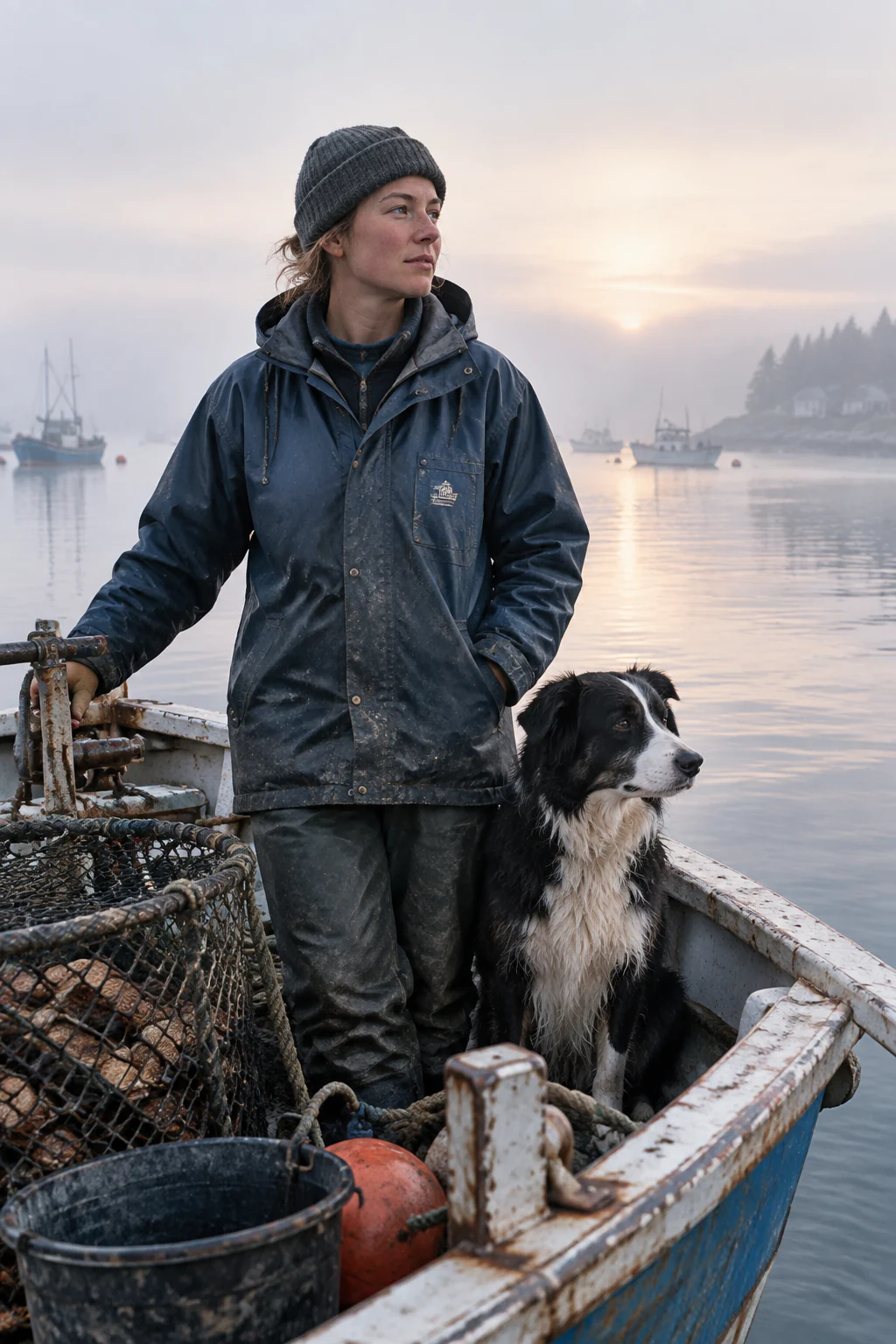
Create images from text with GPT Image 2.5, preserve the details that matter in up to 16 reference images, and make precise image-to-image edits with Flare or Sunburst in 1K, 2K, or 4K.
GPT Image 2.5 image-to-image editing starts from your source image. Upload a photo, product visual, reference scene, or previous result, then explain what should remain recognizable before naming the change. This gives the model a clear boundary for targeted edits instead of a vague request to regenerate everything.
Six paired outputs move through photography, information design, storytelling, product UI, and educational visuals.
Paired studies
Editorial portrait
A working fisherman and dog on a boat, shown as a paired visual exploration.
Dense information design
An annotated automatic coffee machine concept with components, flow paths, and process steps.
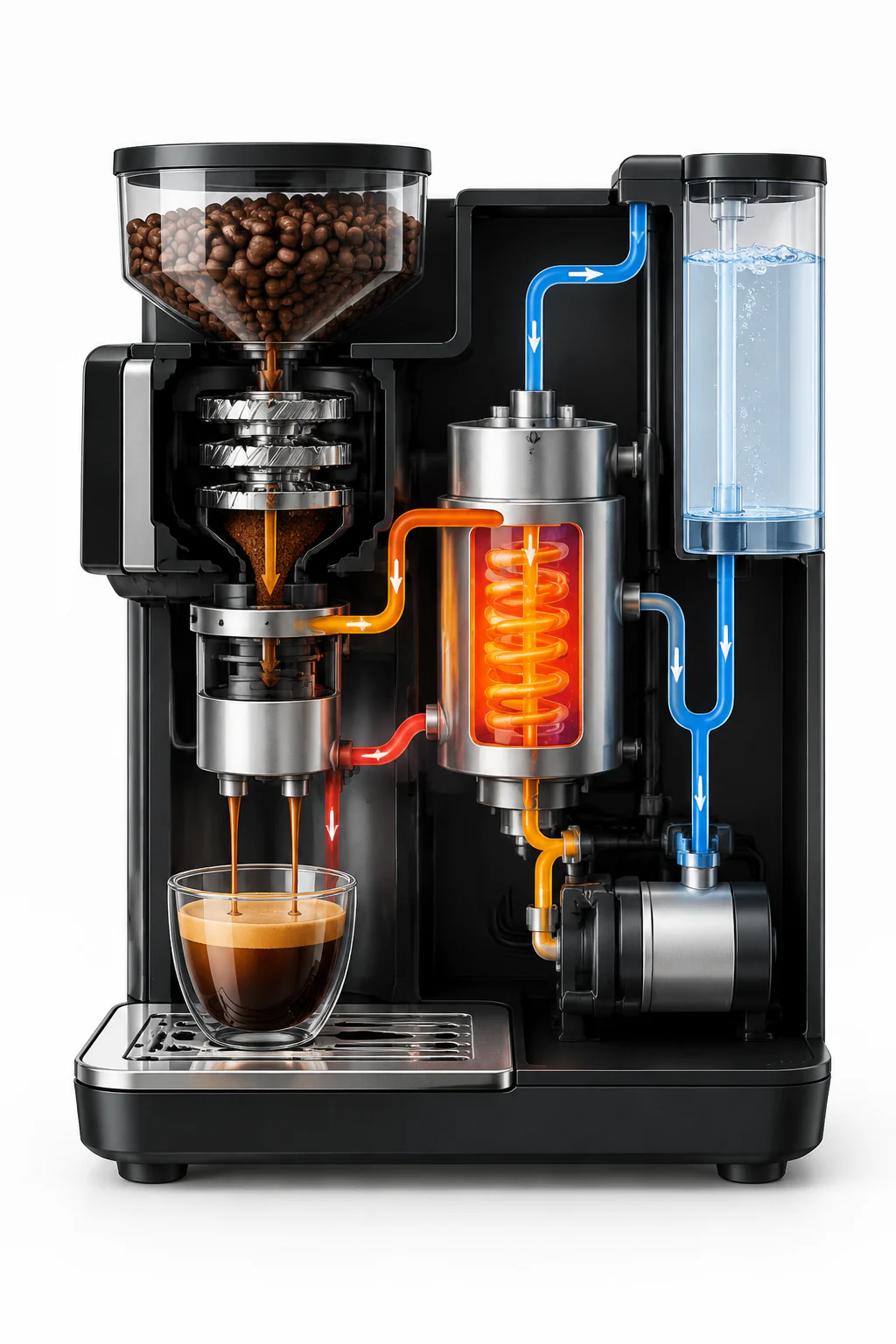
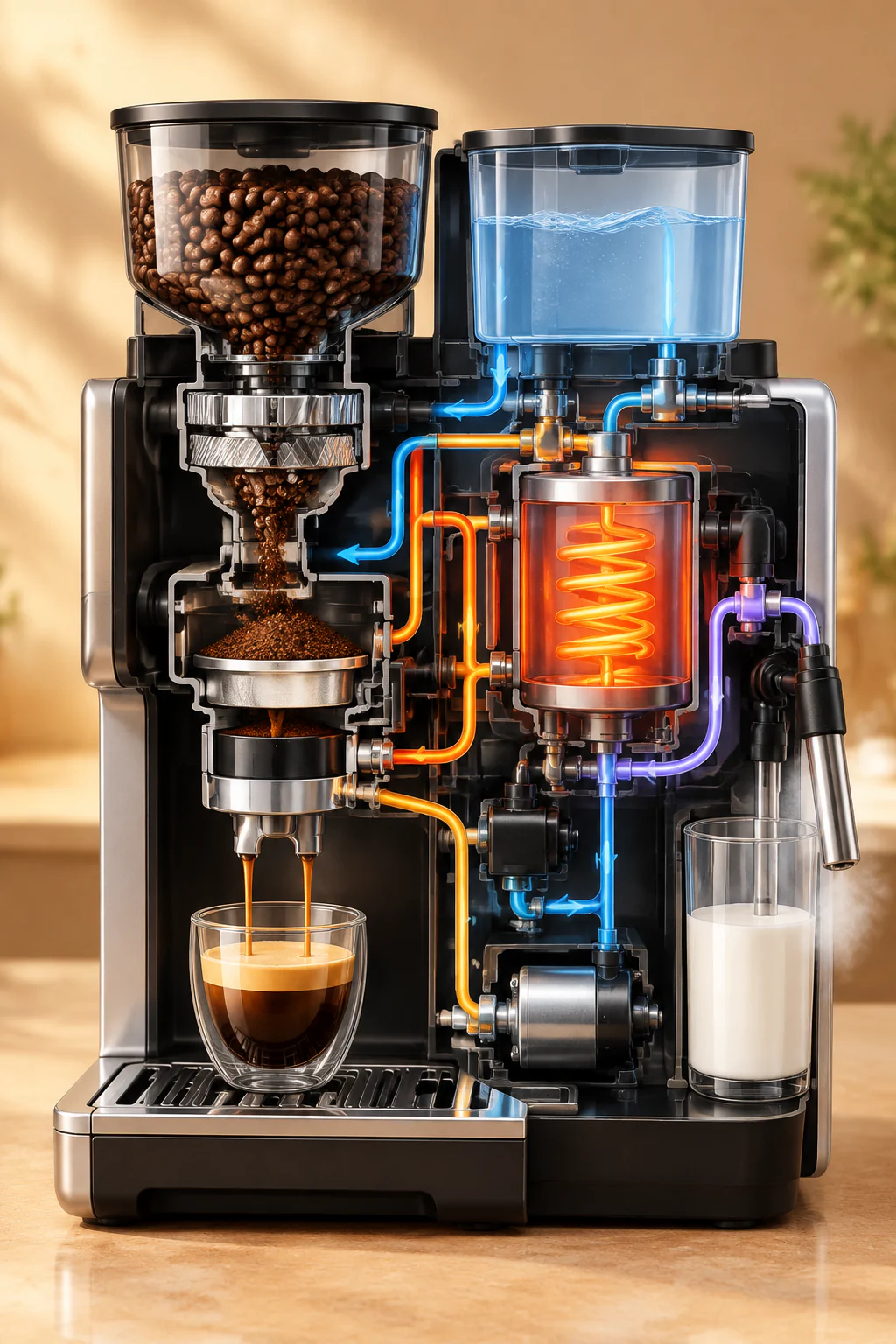
Use text-to-image when you are starting from an idea. Use image-to-image editing when an existing visual already contains details worth keeping. The strongest prompts define both the preserved details and the requested transformation.
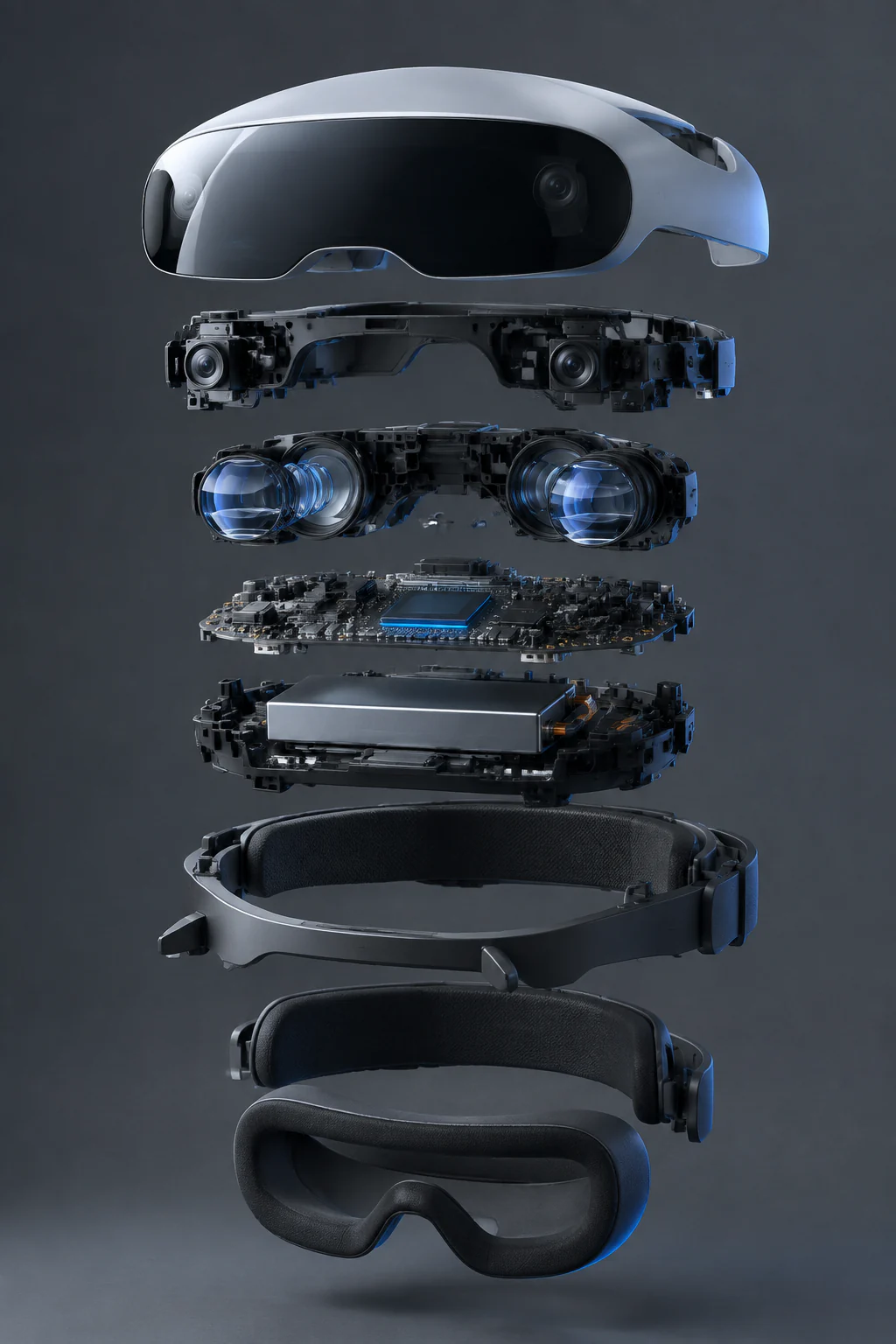
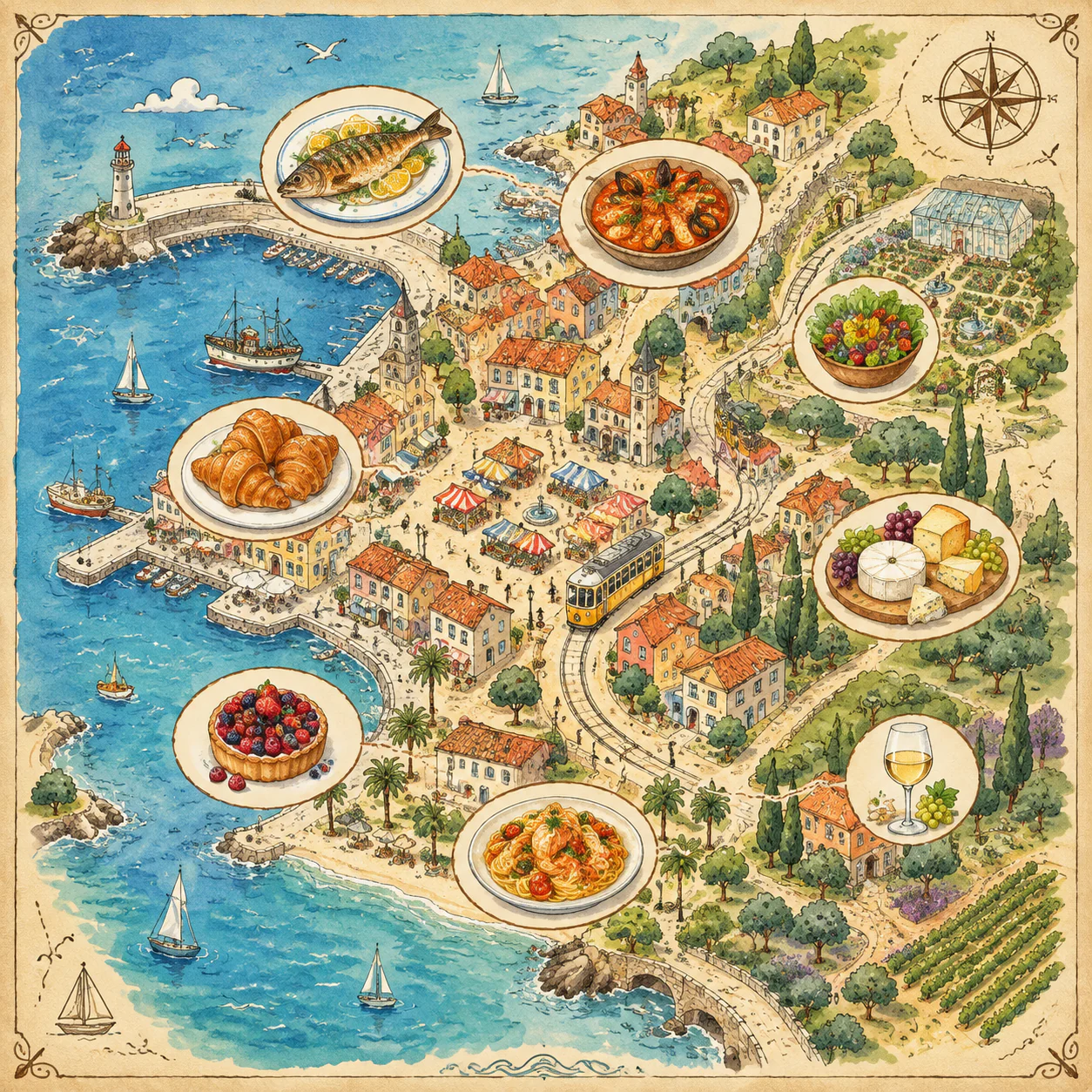
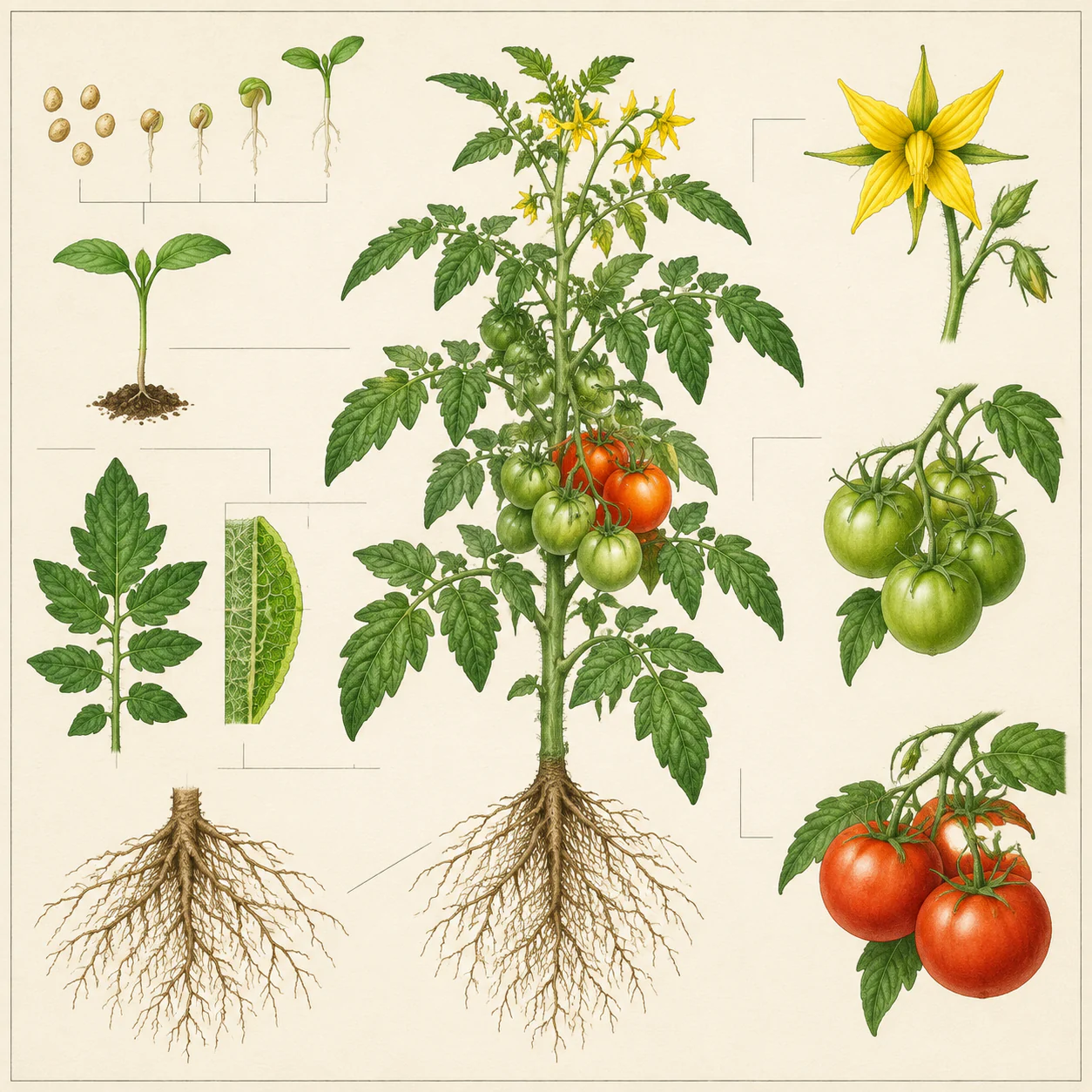
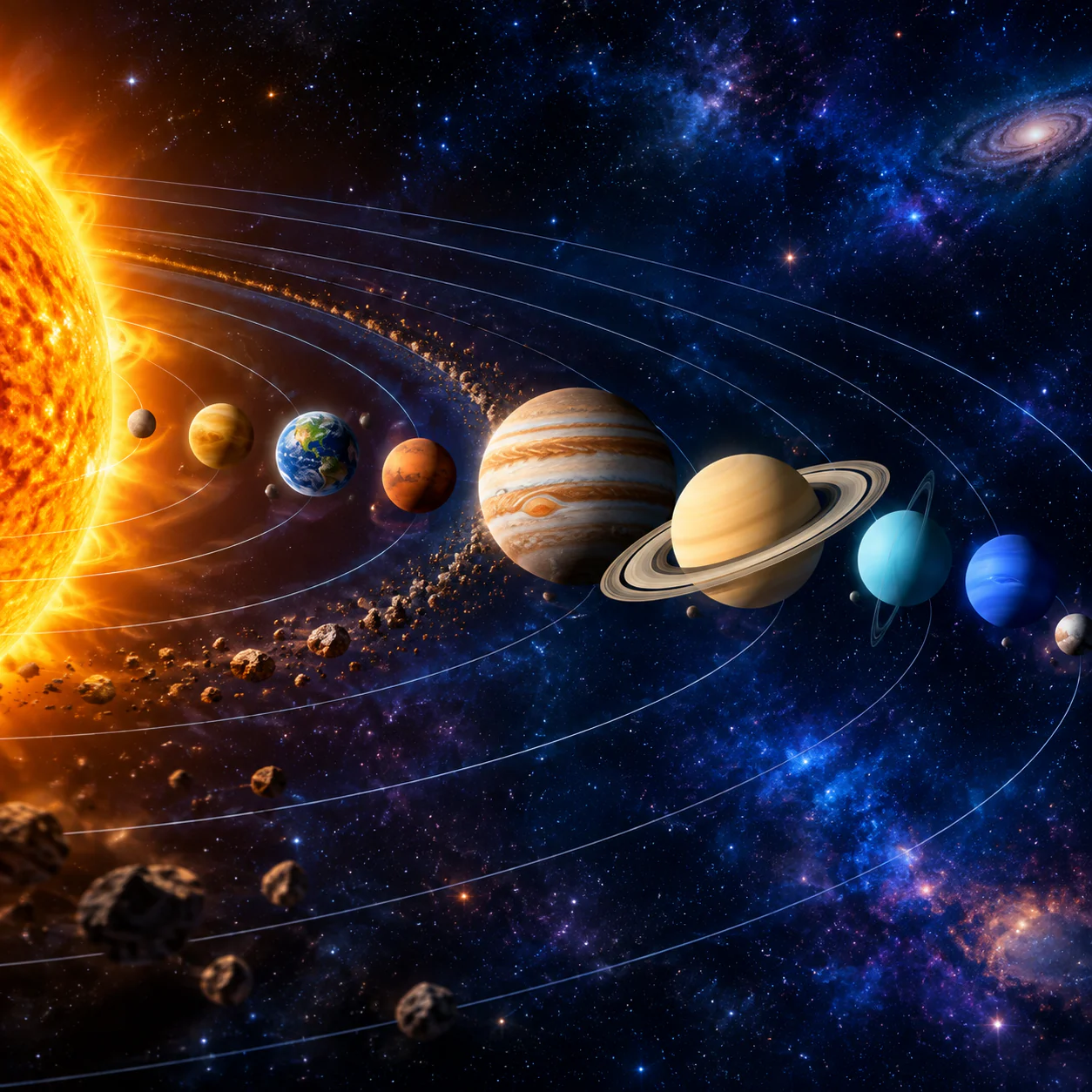
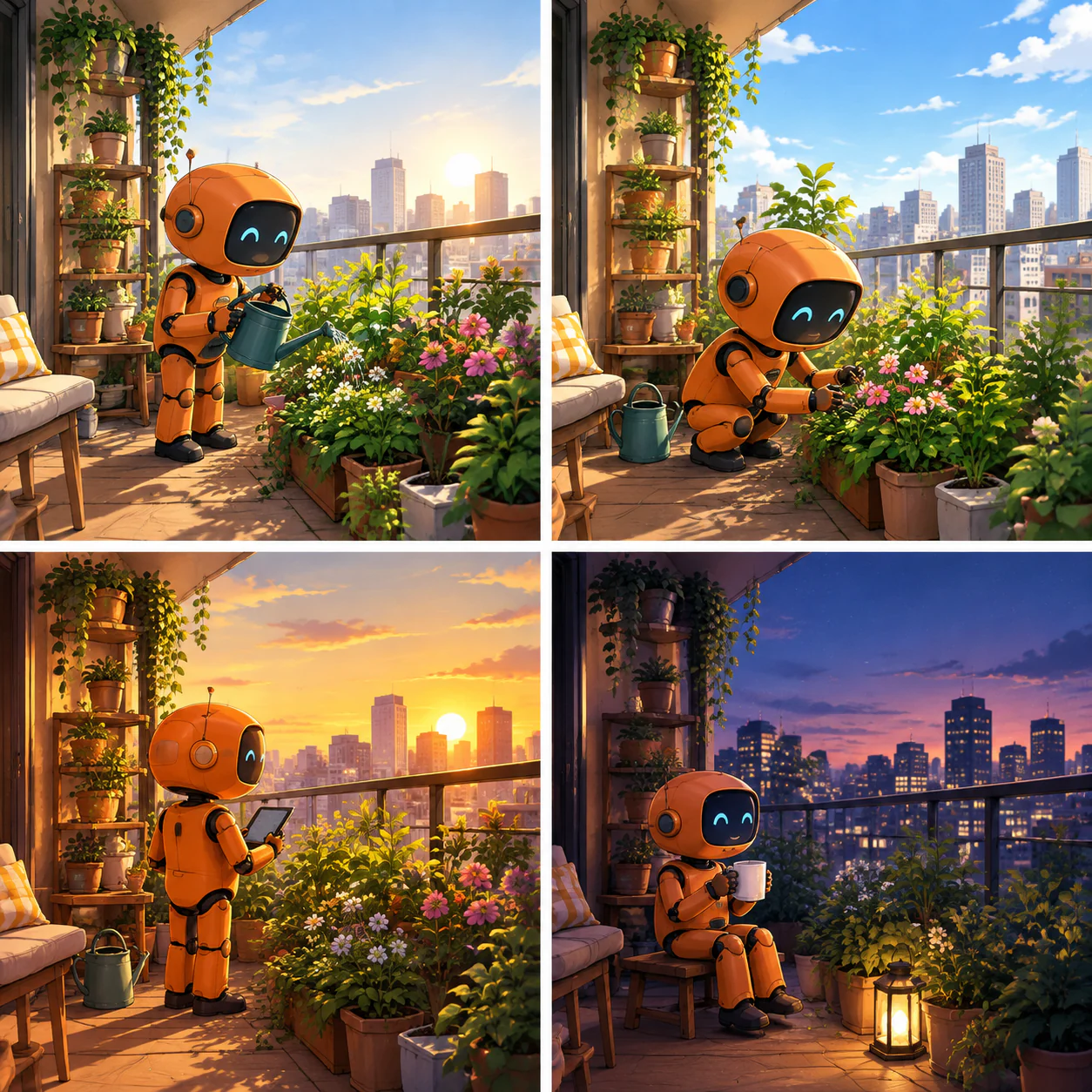
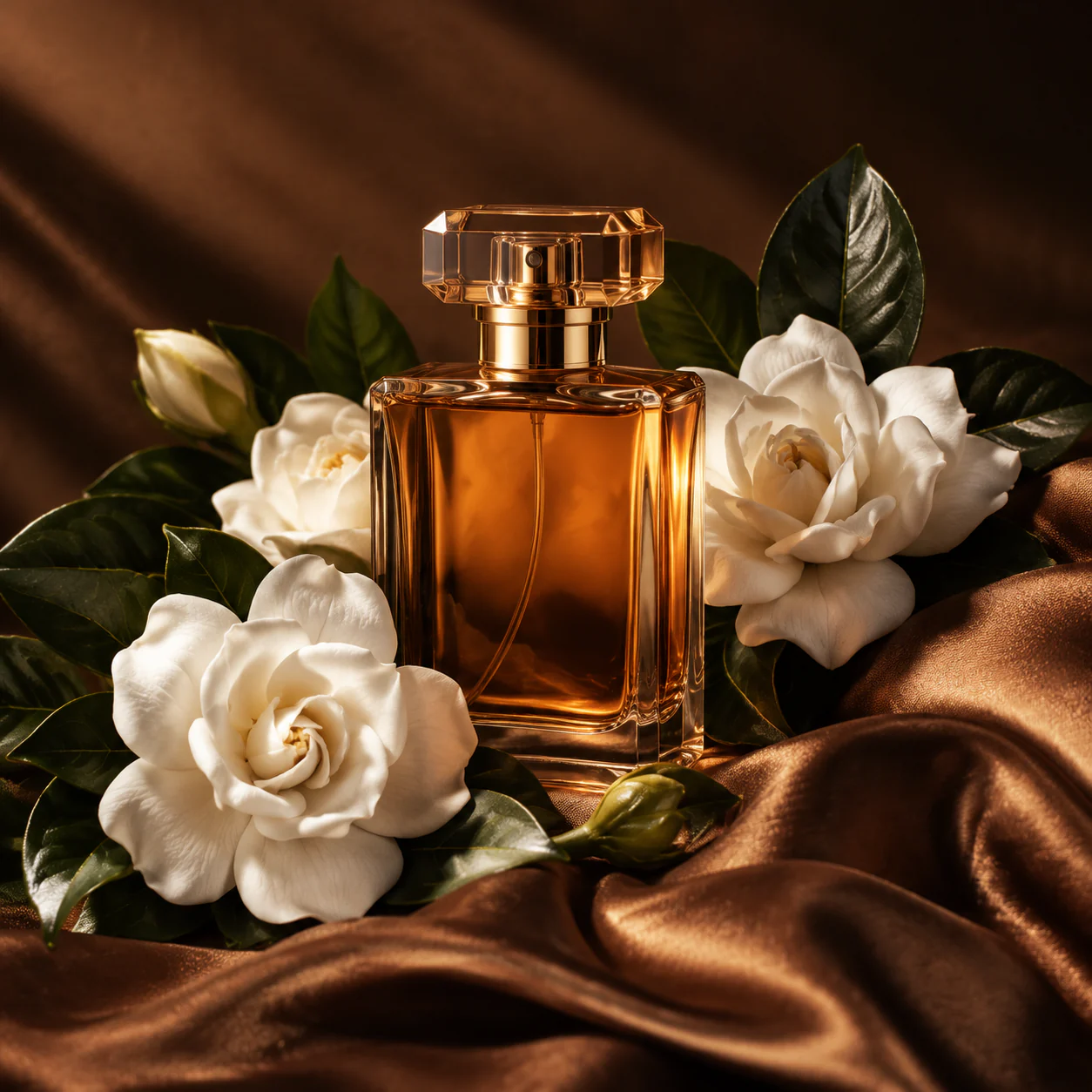
Both GPT Image 2.5 modes work as an AI image generator and an image-to-image editor. The choice is about how you want to move through the work, not about switching to a different tool.
Fast iteration for everyday creative work
Choose Flare when you want to quickly generate an idea, explore several directions, or make a clear image-to-image edit. It is a practical fit for social creative, product concepts, content drafts, and day-to-day visual production.
More deliberate control for polished visuals
Choose Sunburst when the image needs more focused art direction. It is suited to refined product imagery, polished campaign assets, visual storytelling, and image edits where the composition and finish deserve an extra pass.
An AI image generator is most useful when it fits the actual task. Start from a blank prompt for new directions, or use image-to-image editing to update a real photograph, product visual, campaign asset, interior, or previous result without discarding the useful decisions already inside it.
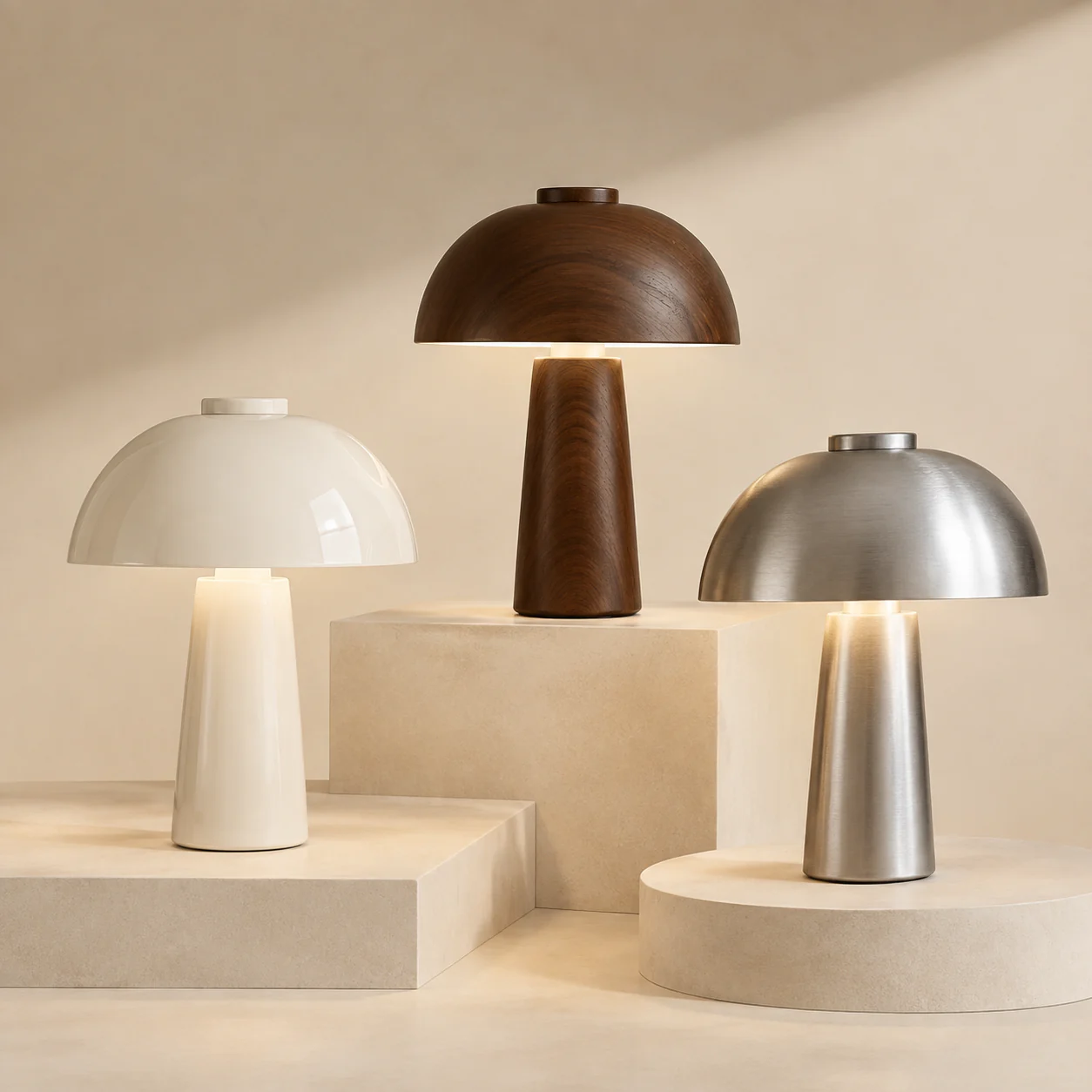
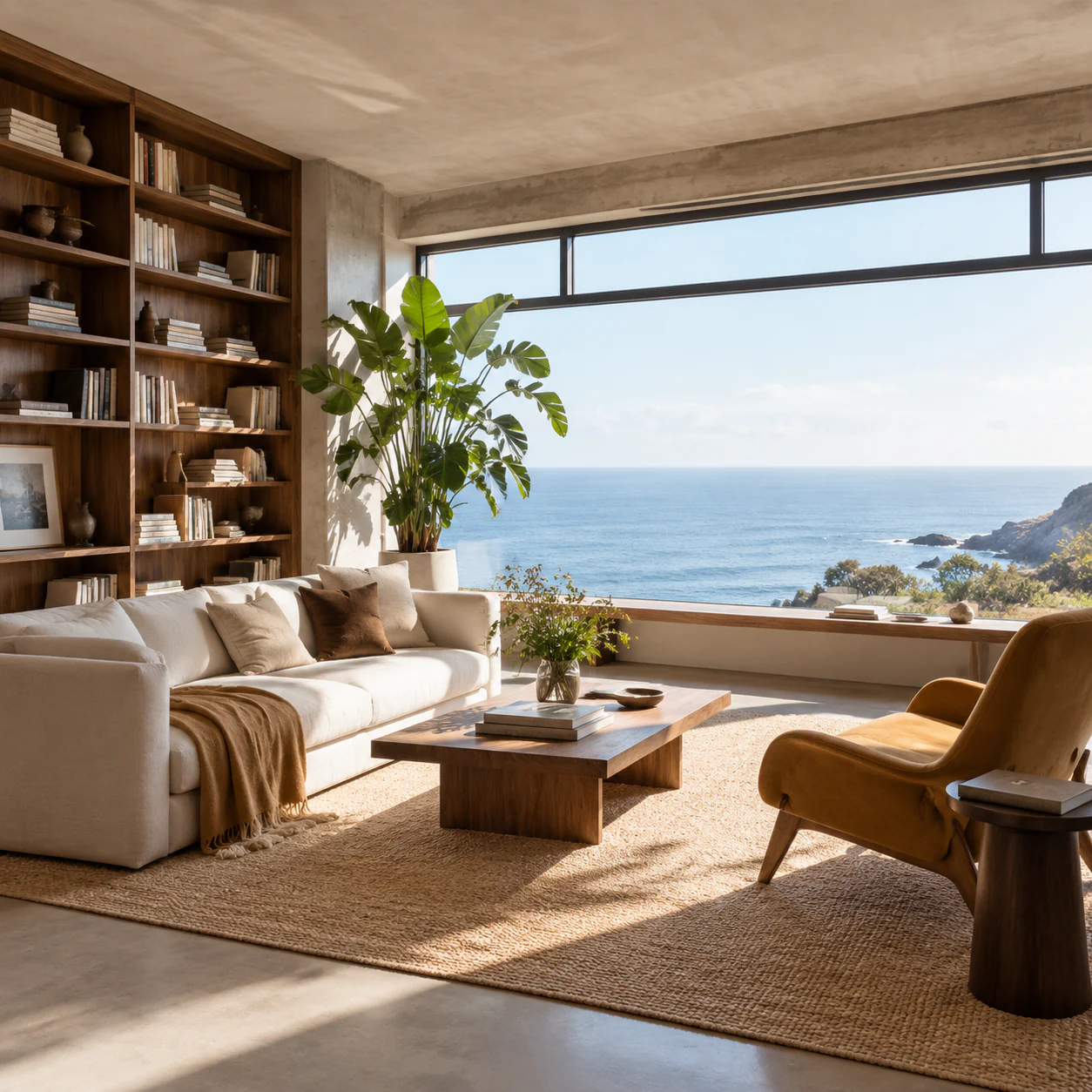
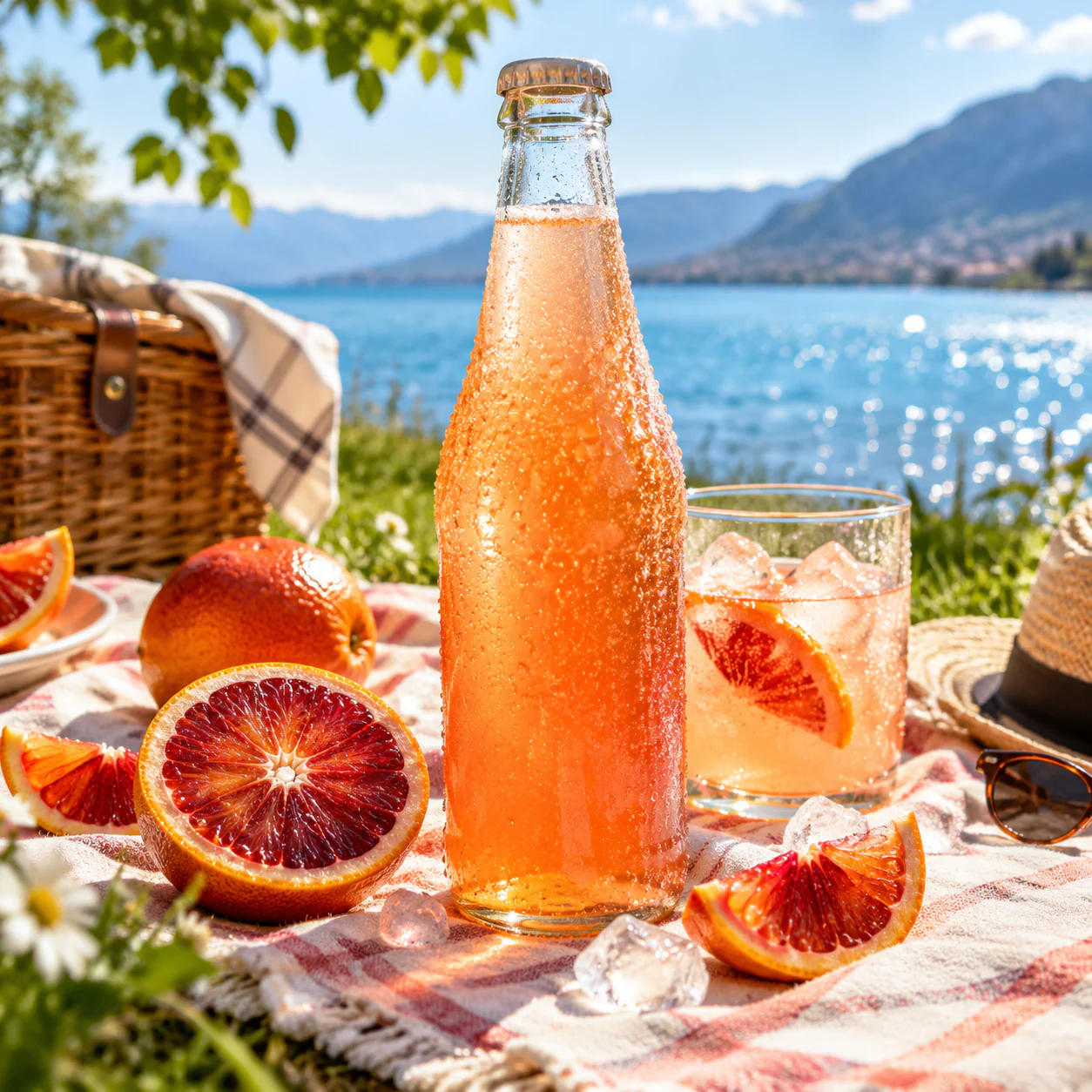
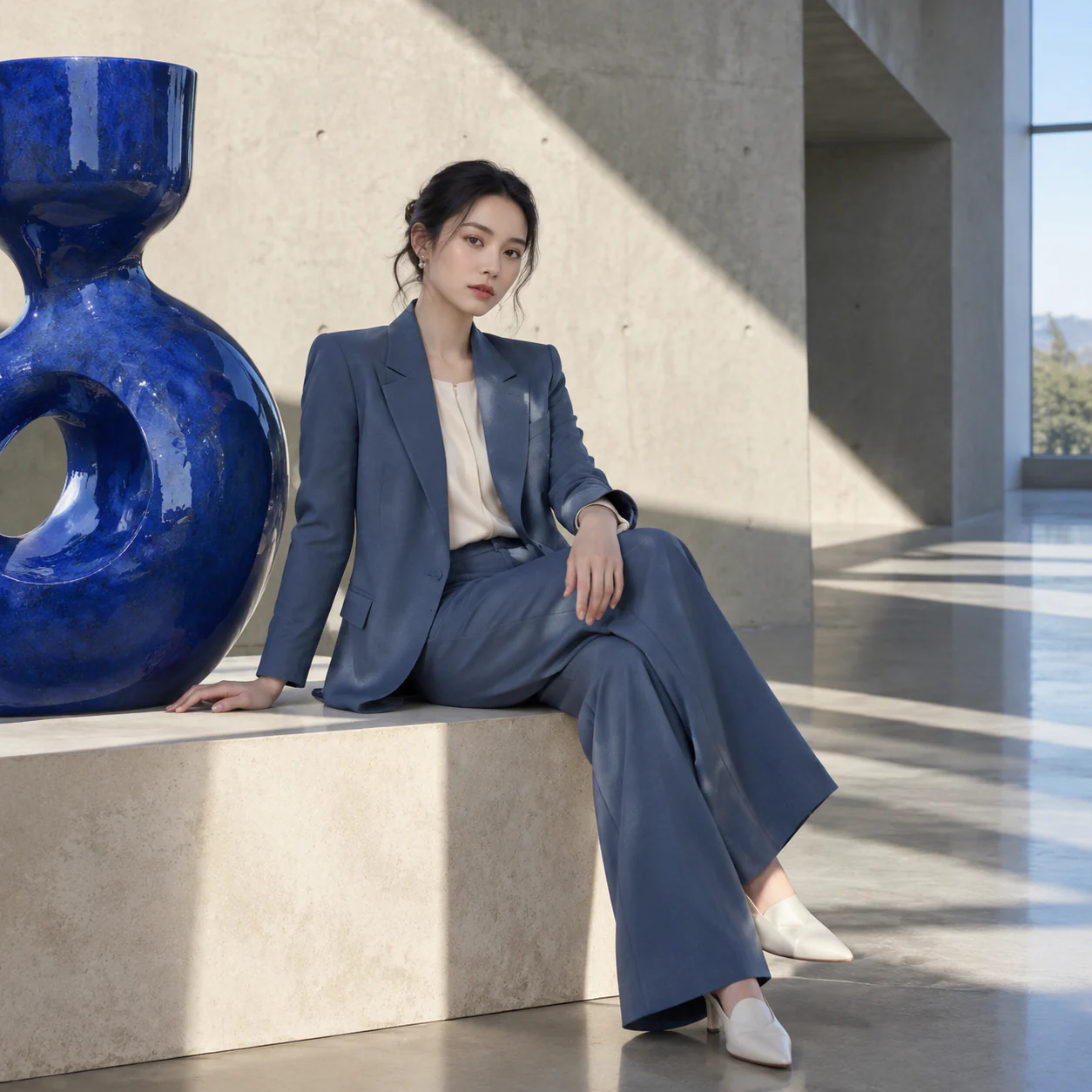
A useful image-to-image prompt has two halves: the details that must remain intact and the one change you want the model to make. Add visual treatment after the instruction, not before it.
Keep the person, pose, outfit, and camera angle unchanged. Replace the cafe window view with a rainy late afternoon street. Preserve the warm interior light and natural skin texture.
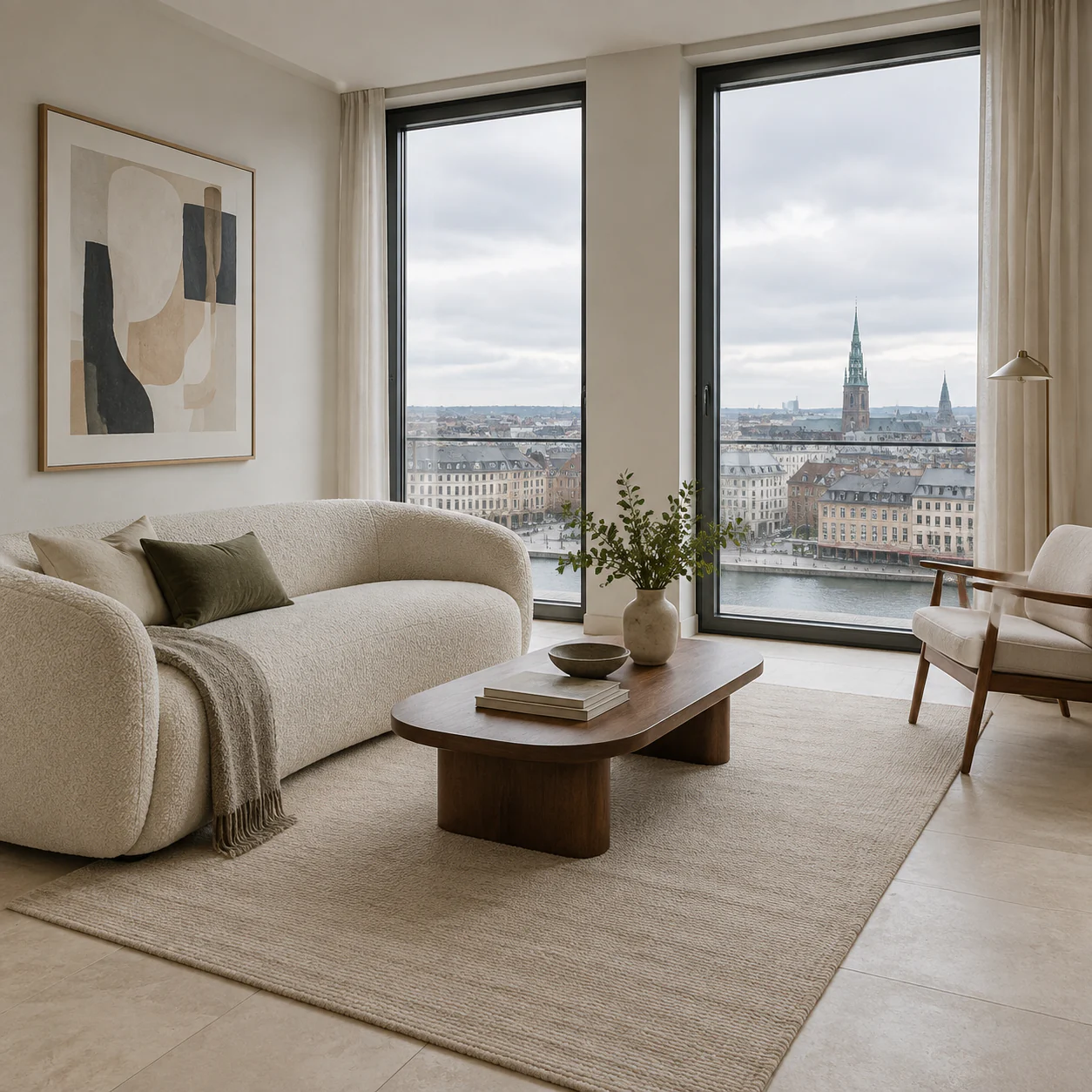
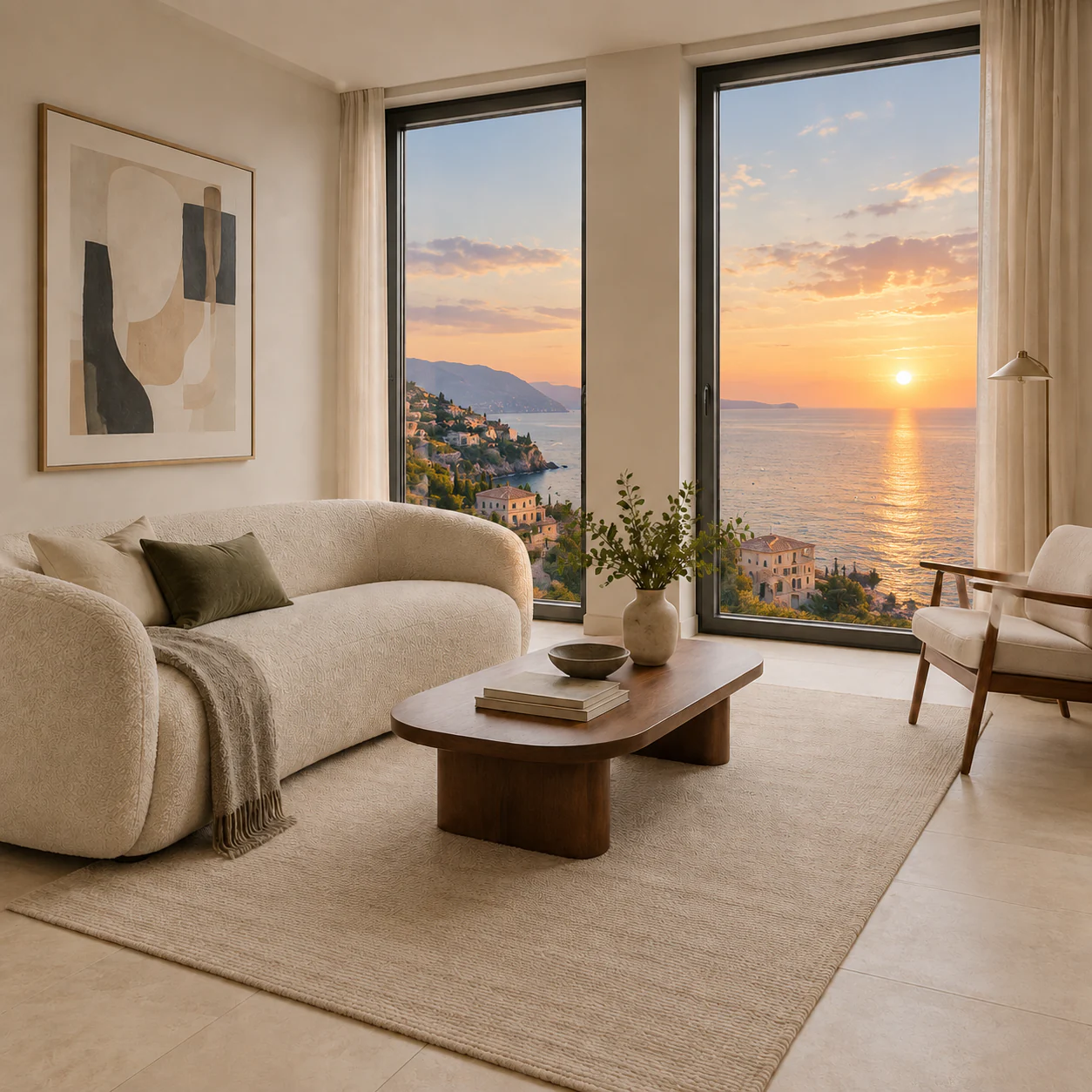
Keep the entire room layout, furniture, wall colors, and window frame unchanged. Change only the view outside the window to a calm ocean sunset with a natural horizon line.
Studio product photography of a matte white skincare bottle on a pale stone plinth, soft side light, subtle water reflection, clean editorial composition, no extra packaging.
The generator is designed to support new image creation and focused edits in the same workflow. Choose a model, establish the direction, then keep each instruction specific enough to evaluate the result.
Write a prompt for a new image, or upload references for an edit. Pick an aspect ratio that fits the final placement.
For image-to-image work, identify the person, product, composition, or room details that should remain unchanged.
Describe the new background, material, lighting, color, object, or style with the result you want to see.
Use the result as the next reference when you need another targeted change, then download the final image.
The essentials for generating a new image, uploading references, choosing a resolution, and making controlled edits.
Use the generator above to create from text or upload a reference image and direct a specific visual change.