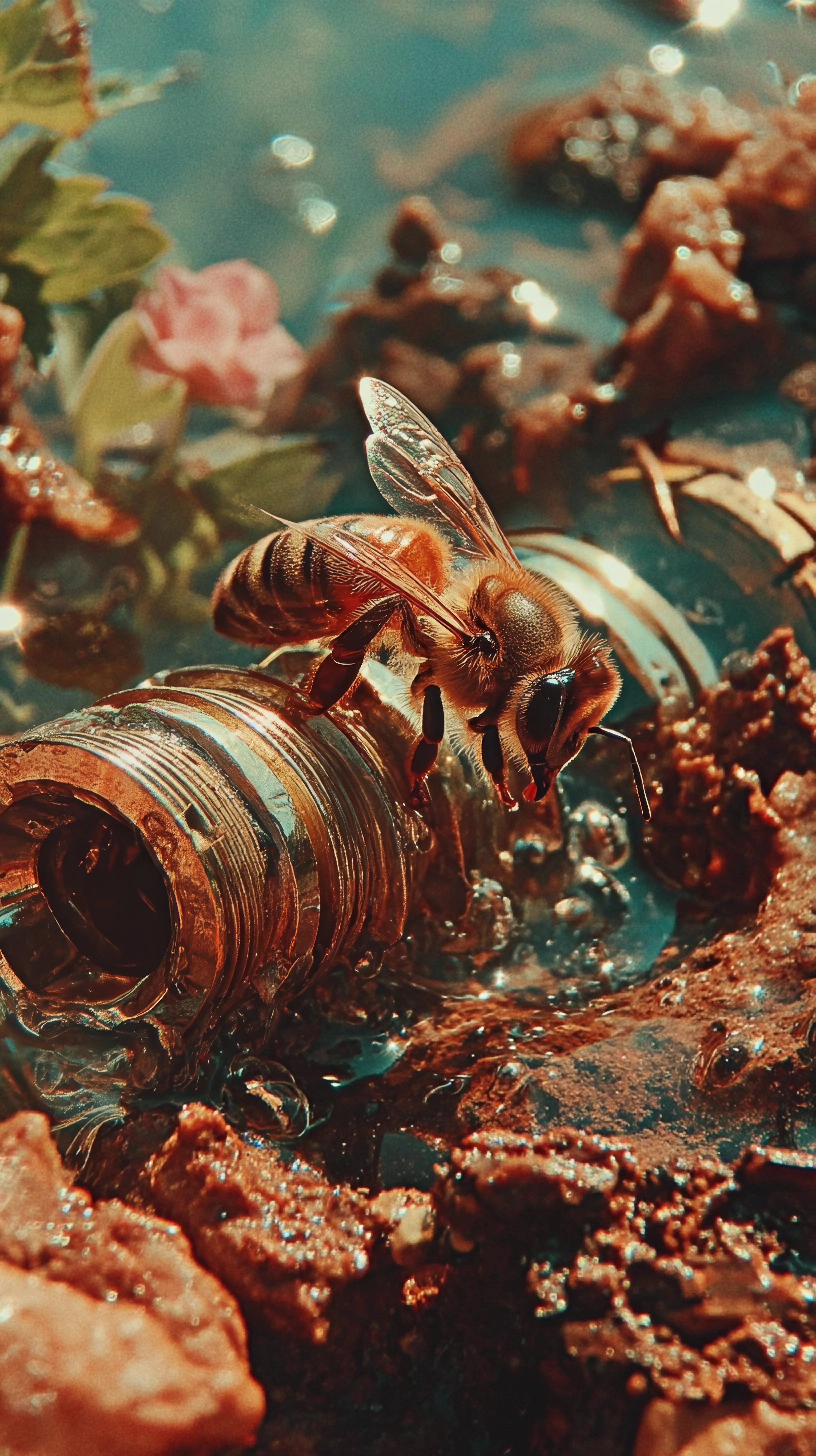
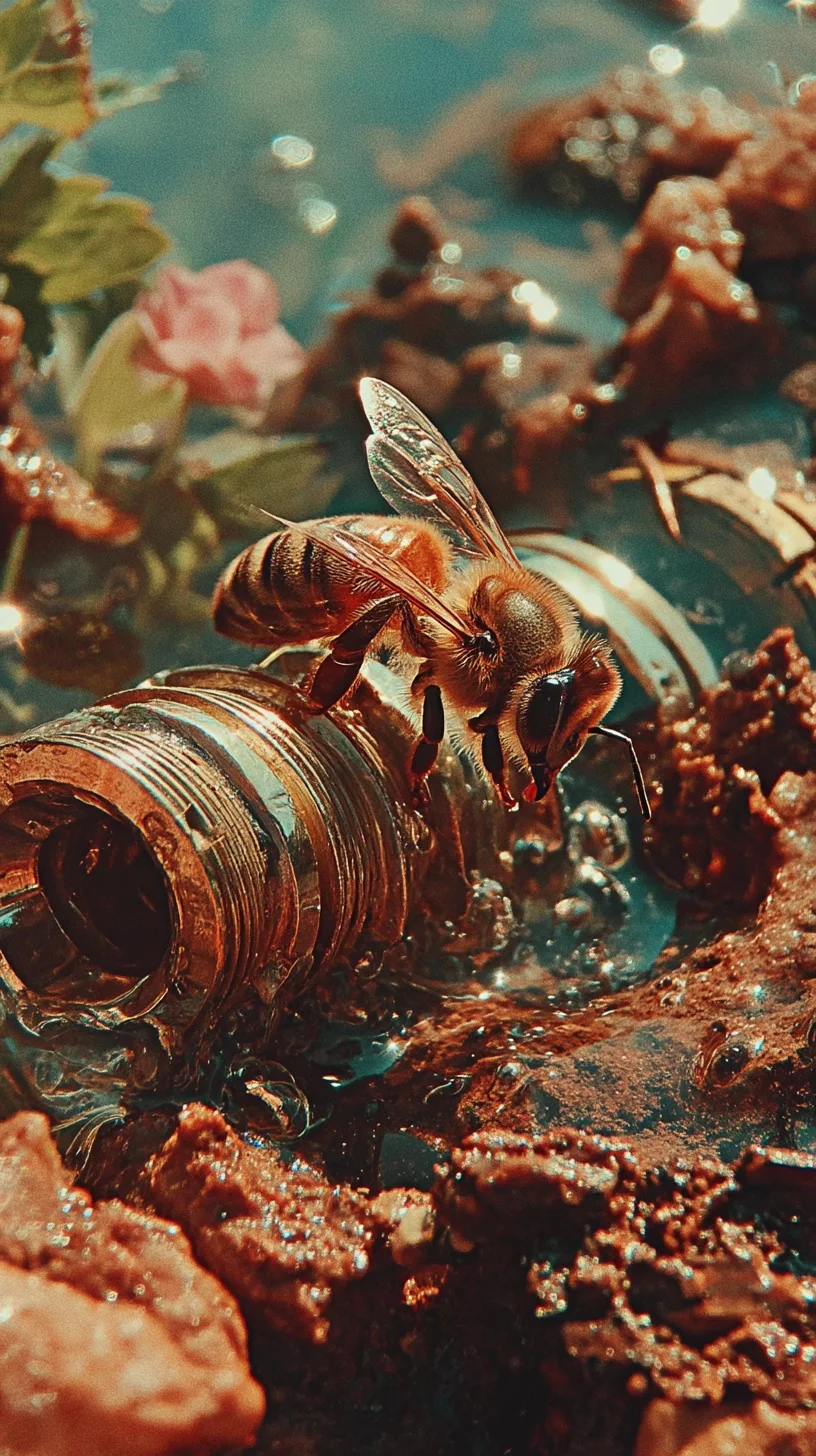
Before AI upscaleAfter 4× AI upscale
Enlarge and sharpen photos with AI image upscale powered by Topaz. When your source is large enough you can upscale image to 4K — results are labeled 4K-ready only when both output dimensions reach at least 3840 × 2160 px.
Upscaled longest edge cannot exceed 20,000 px.
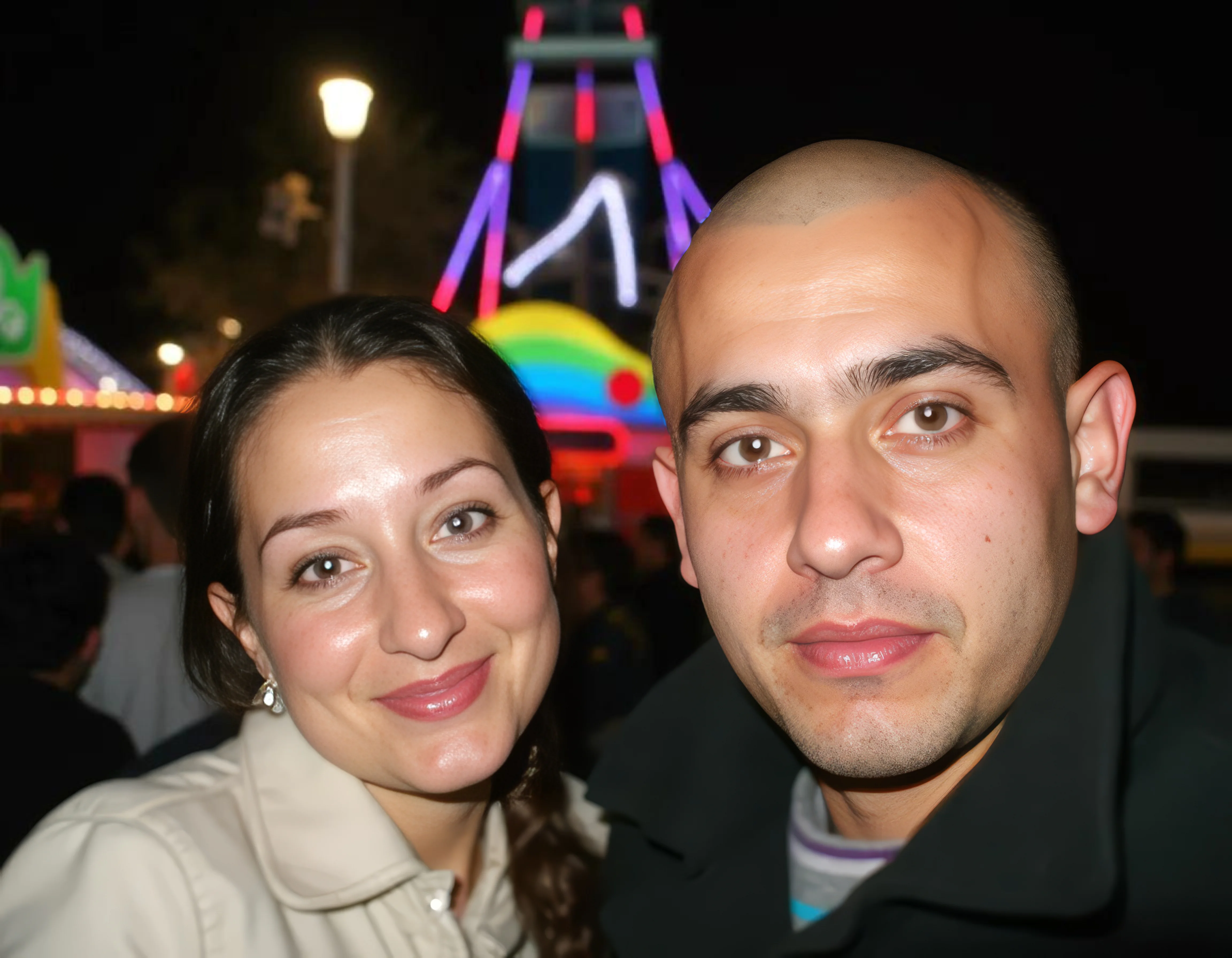
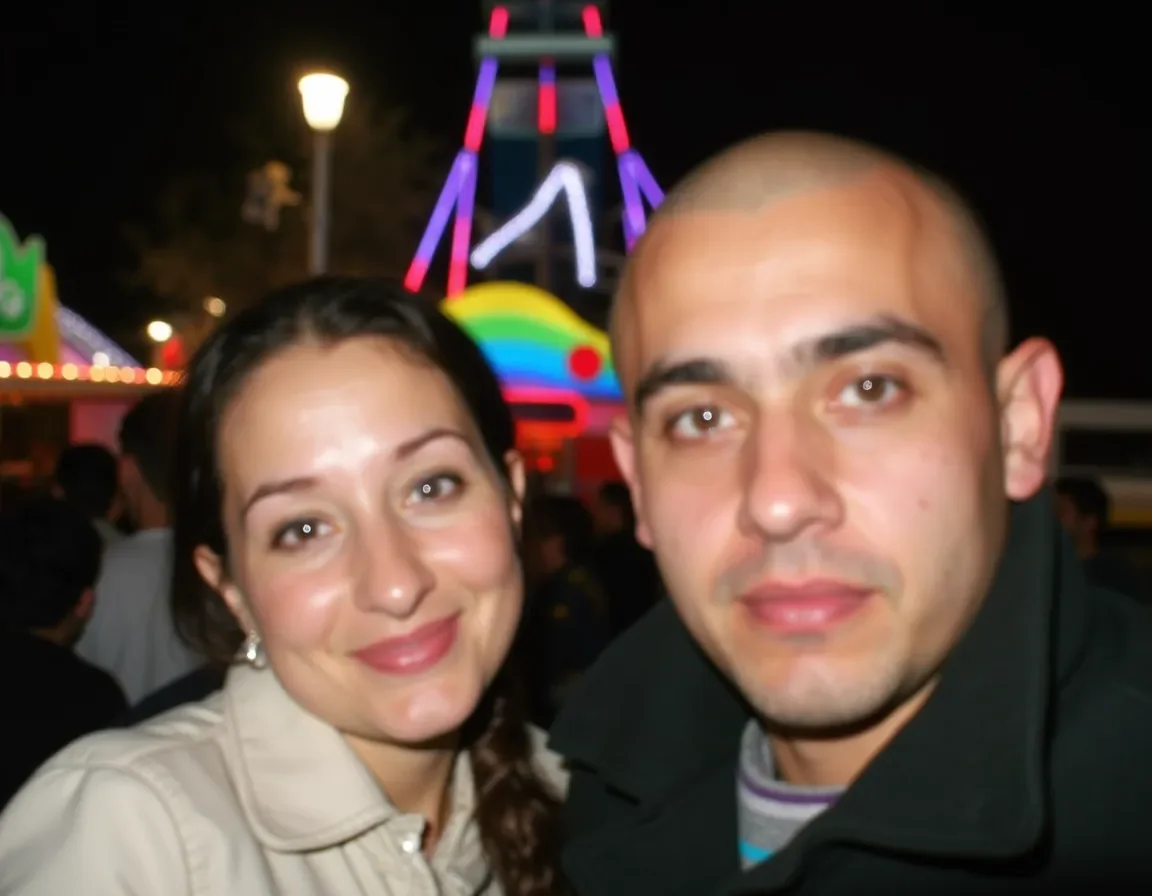
Labeled 4K-ready only when output reaches 3840 × 2160 px or higher.
Image Upscale in Action
4× result
An 816 × 1456 bee macro image enlarged to 3264 × 5824. The 4× result resolves wing veins, metal ridges, and individual water droplets.
Before AI upscale
816 × 1456
Low-resolution source
After 4× AI upscale
3264 × 5824
Upscaled Result
A 600 × 400 shot quadrupled to 2400 × 1600. Resolution improves but neither dimension reaches 3840 × 2160, so it is labeled upscaled.
UpscaledA 1000 × 750 landscape becomes 4000 × 3000 after image upscale. Both dimensions exceed the threshold — 4K-ready.
4K-readyAn 800 × 600 scan doubled to 1600 × 1200. Grain is reduced but output stays below 3840 × 2160 — labeled upscaled.
UpscaledNano Banana Pro AI image upscale tool. Upscale image resolution up to 4K with Topaz. JPEG, PNG, WebP up to 10 MB. Factors: 1×, 2×, 4×.
Enlarge and sharpen photos with AI image upscale powered by Topaz. When your source is large enough you can upscale image to 4K — results are labeled 4K-ready only when both output dimensions reach at least 3840 × 2160 px.
AI-powered image upscale tool in Nano Banana Pro, driven by Topaz. Upscale image to 4K when both output width and height reach at least 3840 × 2160 px.
How AI Image Upscale Works
Sign in, then drop a JPEG, PNG, or WebP file (up to 10 MB) into the tool.
Pick 1×, 2×, or 4×. The tool checks whether both output dimensions reach 3840 × 2160 px and labels the result accordingly.
Topaz image upscale algorithms produce a high-resolution output. Download it or keep editing inside Nano Banana Pro.
Tips for Better Results
Image upscale performs best on well-exposed, low-noise originals. Heavy JPEG artifacts can be amplified, so use a lightly compressed file.
If the longest edge exceeds 5,000 px, a 4× run hits the limit. Choose 2× or crop first.
The label appears only when both output width and height reach at least 3840 × 2160 px. Not every image upscale qualifies — it depends on source size and factor.
WebP keeps upload times short while preserving quality. The engine handles WebP natively alongside JPEG and PNG.
Who Uses AI Image Upscale?
Thumbnails that fall below marketplace resolution requirements get a resolution boost, improving click-through rates and reducing returns caused by blurry visuals.
Banners and posters demand high-resolution sources. A 4× upscale turns a web-sized asset into a print-ready file with sharper edges than bicubic interpolation.
Scanned film and compressed archives benefit from AI enhancement on modern high-DPI displays. The model recovers texture traditional resizing loses.
Creators upscale smartphone photos to meet platform resolution recommendations. When source dimensions allow, the output can reach 4K-ready quality.
Artists prototype low-res, then upscale image resolution before delivery. AI preserves hard edges and color contrast better than nearest-neighbor scaling.
Property listings need crisp imagery. A 2× or 4× upscale converts a compressed listing photo into a high-resolution asset for brochures.
Use the AI image upscale tool inside Nano Banana Pro to increase resolution and — when your source qualifies — upscale image to 4K in three steps.
Frequently Asked Questions
AI image upscale increases pixel dimensions using models trained to reconstruct realistic detail instead of stretching pixels. Nano Banana Pro uses Topaz, producing sharper results than bicubic or Lanczos resizing.
Not always. To upscale image to 4K, both output width and height must reach at least 3840 × 2160 px. The tool labels results 4K-ready only when both dimensions are confirmed; otherwise the output is labeled upscaled.
JPEG, PNG, and WebP up to 10 MB each. TIFF, HEIC, and RAW are not supported — convert them before uploading.
1×, 2×, or 4×. The 1× option applies AI sharpening without resizing. 4× is the option most likely to upscale image to 4K when source dimensions allow.
Yes — the longest edge cannot exceed 20,000 px. If a 4× run would breach that limit, choose a lower factor or crop first.
Processing time depends on image size, chosen factor, and server load. No fixed processing time is guaranteed.
No. The model synthesizes detail not present in the original pixels, so output is an intelligent approximation. Always keep your original file.
Image upscale follows Nano Banana Pro’s credit or subscription model and consumes credits per use. It is not offered as an unlimited free service. See the pricing page for costs.