Golden-hour portrait
An editorial portrait scene set next to a window in warm light. Compare Nano Banana 2.1 with the other models to inspect skin texture, flyaway hair, fabric folds, and soft rim lighting.
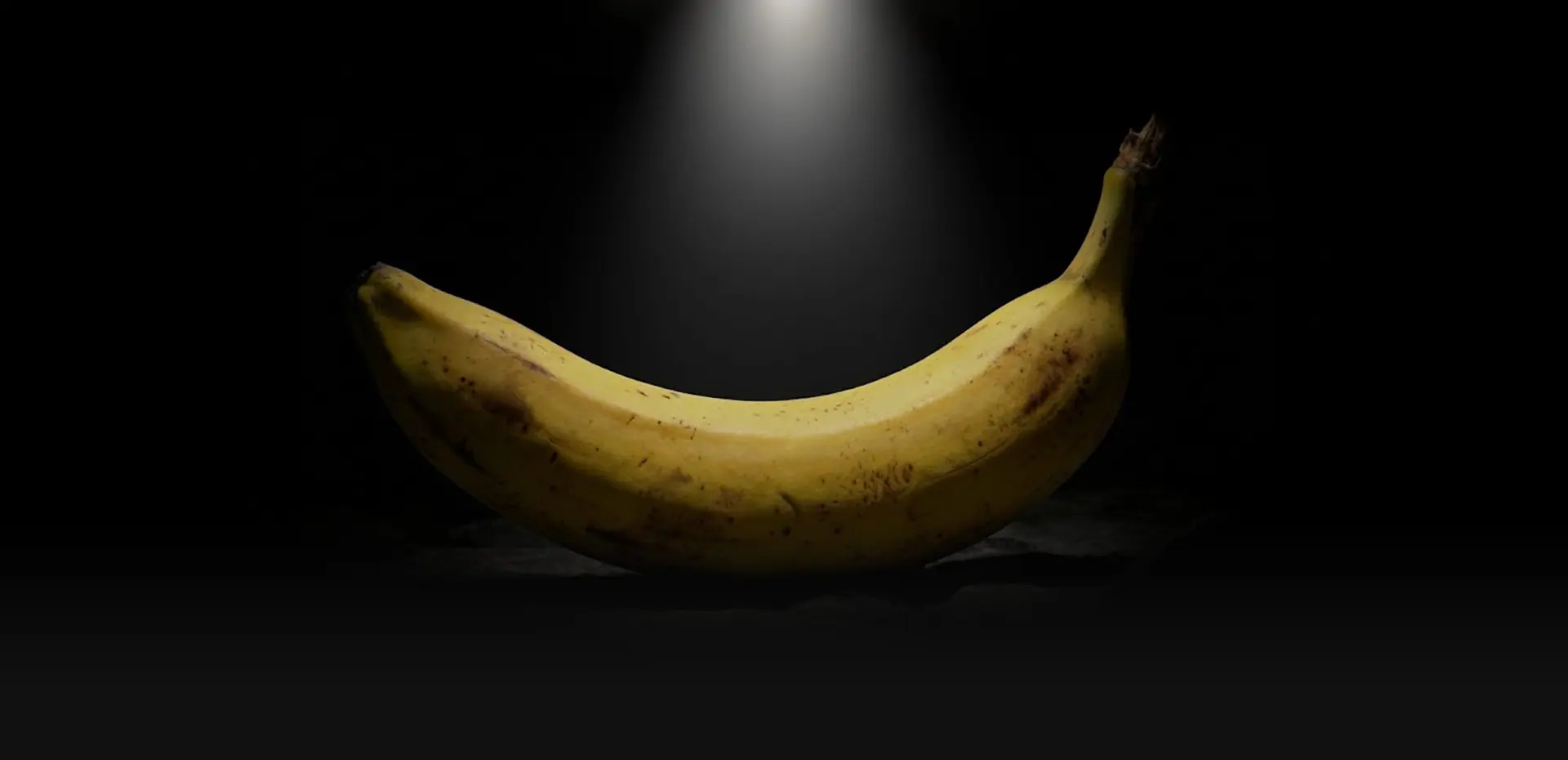
Use Nano Banana 2.1 to turn a description into a portrait, product image, poster, or illustration, or upload a reference and explain what to keep and change.
Side-by-side examples generated by NanoPic from identical English text-to-image prompts across Nano Banana 2.1, GPT Image 2.5 Sunburst, and Nano Banana Pro at a 1:1 ratio and requested 2K resolution. Single generation per prompt; results vary and do not represent a general performance ranking.
An editorial portrait scene set next to a window in warm light. Compare Nano Banana 2.1 with the other models to inspect skin texture, flyaway hair, fabric folds, and soft rim lighting.
Create focused assets from scratch or iterate on concepts across common creative workflows.
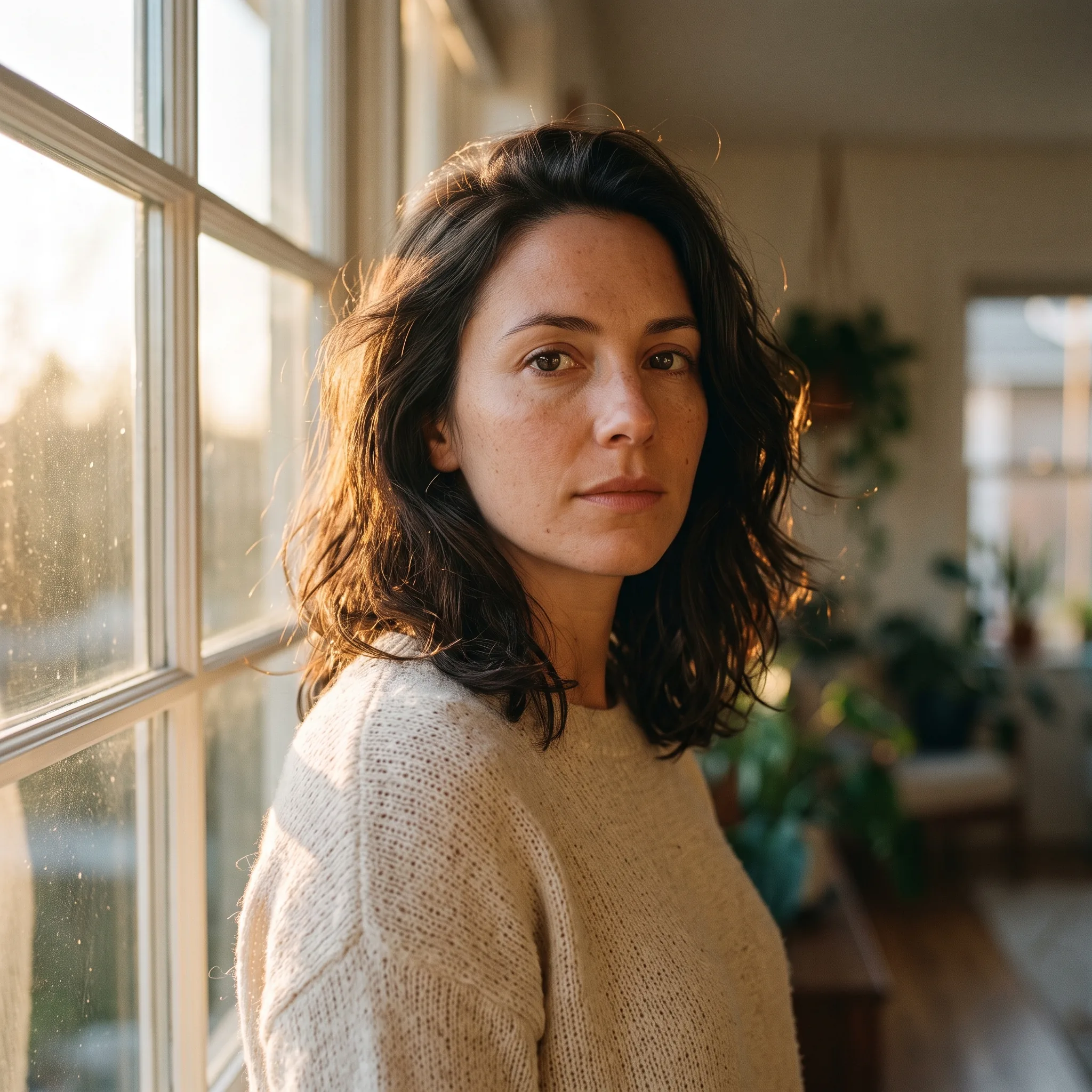
Direct facial lighting, wardrobe, and mood for expressive human and stylized subjects.
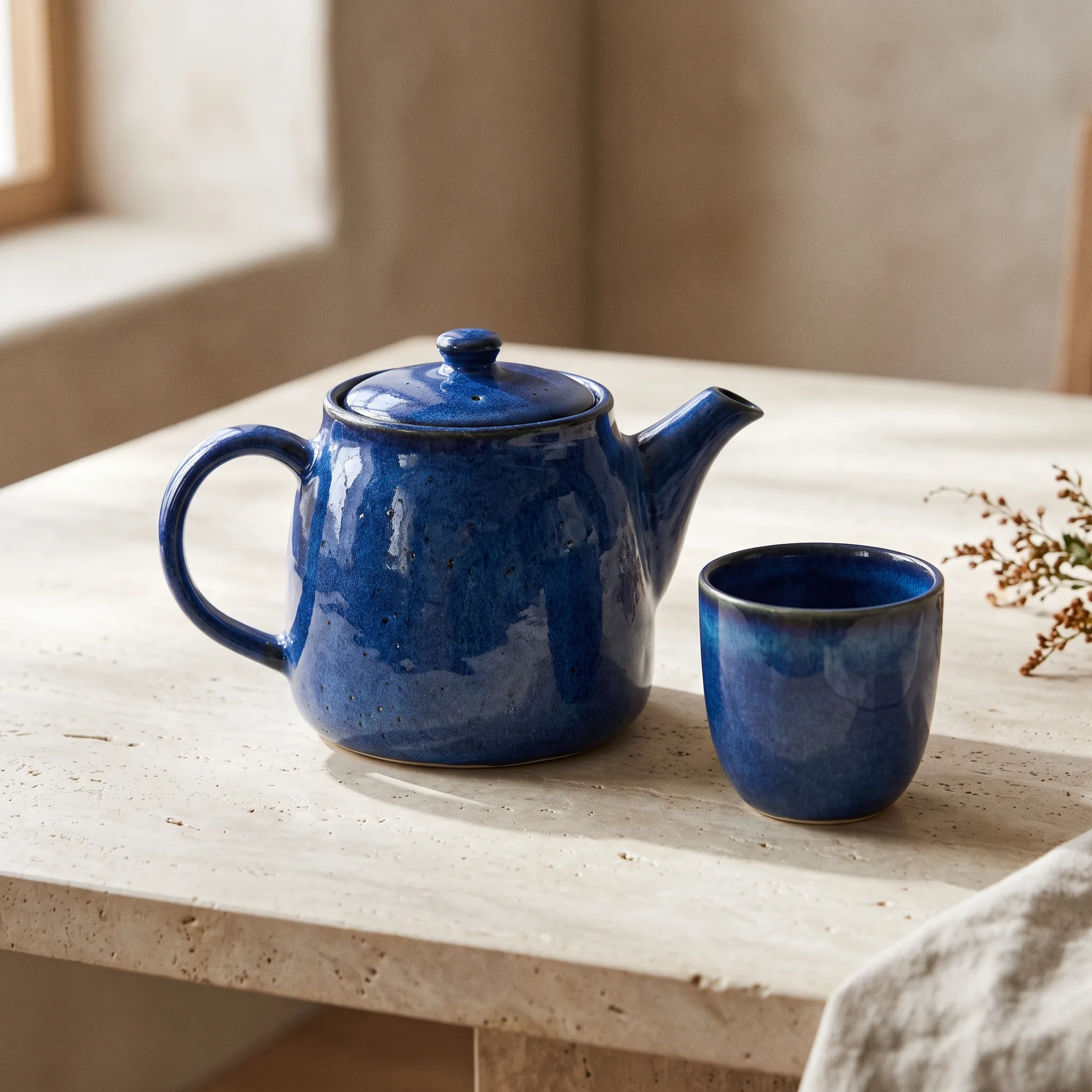
Use Nano Banana 2.1 to set clean tabletop staging, surface reflections, and soft shadows for packaging, hardware, or ceramics.
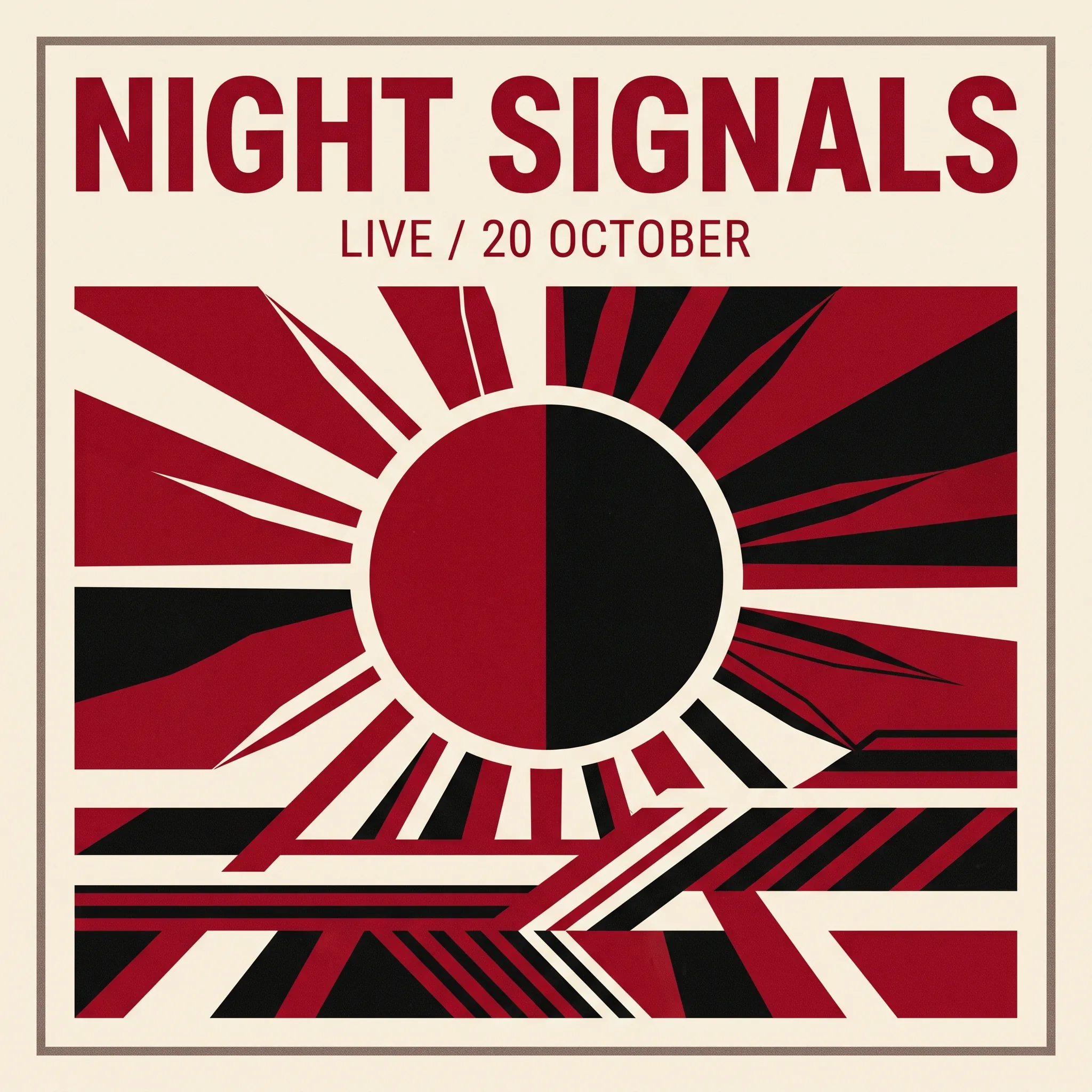
For posters and illustrations, ask Nano Banana 2.1 for a balanced composition with focal areas and useful negative space.
Upload a starting image and describe what to carry over and what to change, then guide Nano Banana 2.1 with a natural-language prompt.
Add a clear reference photo of the subject, product, or character you want to build on.
Tell Nano Banana 2.1 which features to keep and what new background, lighting, or medium to apply.
Run the task and inspect the result. Tweak your wording or add supporting references as needed.
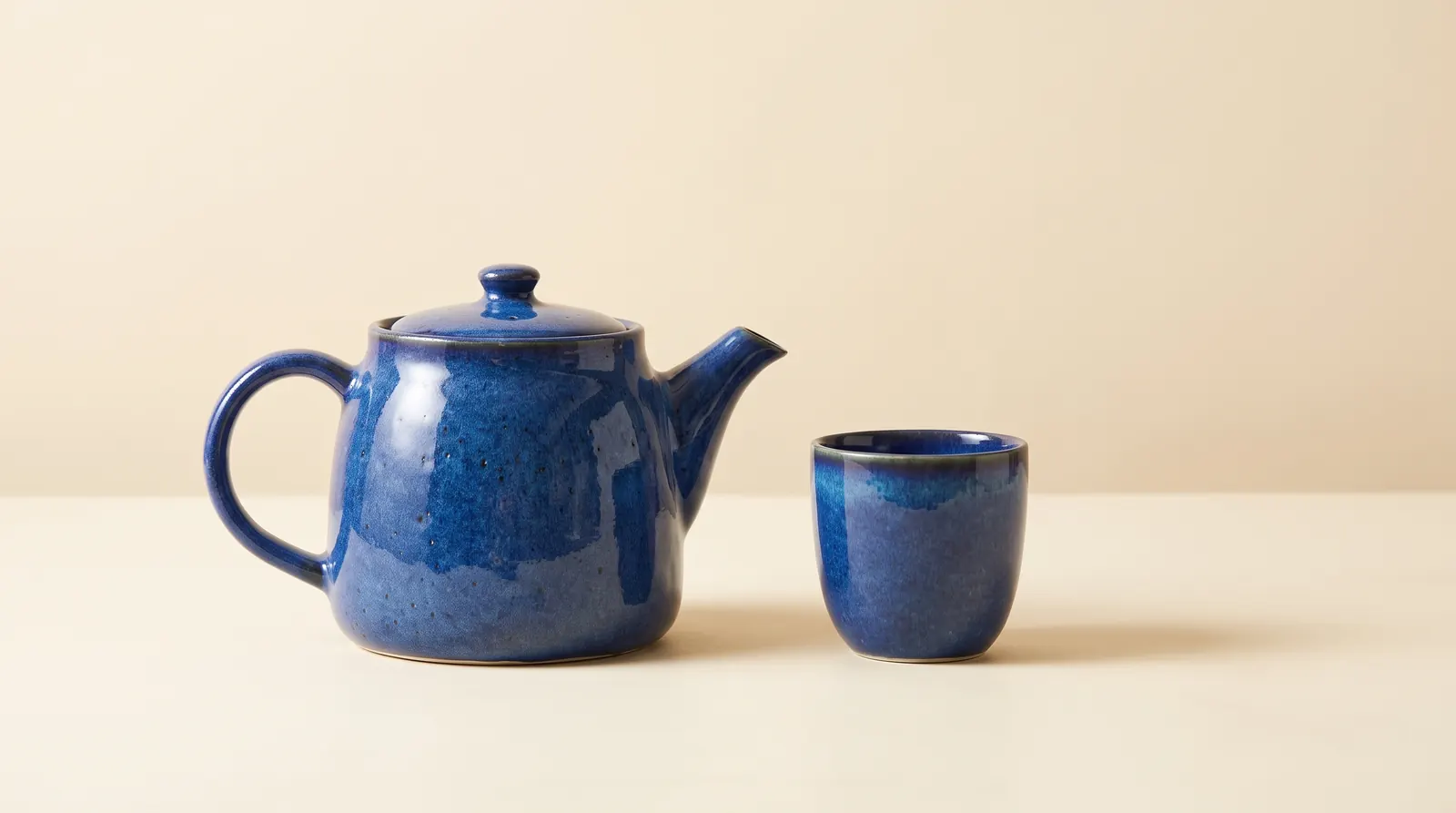
 Original reference
Keep the cobalt-blue ceramic teapot and cup from the reference image, preserving their shape, handle curves, and smooth gloss glaze. Place them on a warm cream studio table in front of a soft neutral backdrop with clean studio fill light.
See three edits made with Nano Banana 2.1 from the same reference image. To try one, use the prompt and upload a reference above.
Nano Banana 2.1 defaults to Auto. Choose from 1:1, 1:4, 4:1, 1:8, 8:1, 2:3, 3:2, 3:4, 4:3, 4:5, 5:4, 9:16, 16:9, or 21:9 to match your distribution target.
Nano Banana 2.1 supports 1K, 2K, or 4K output. Start at 1K for rapid drafting and switch higher when fine details matter.
Add up to 14 JPEG, PNG, or WebP reference files to Nano Banana 2.1, with a limit of 20MB per image.
The displayed credit cost is reserved when you submit a task, settled once completed, and released back to your balance if the task confirms failure.
Describe the subject, environment, lighting, and framing you want Nano Banana 2.1 to create in clear sentences.
Upload up to 14 reference images (JPEG, PNG, or WebP, up to 20MB each) to guide composition, color, or subject style.
Keep Auto or select an aspect ratio. Output defaults to 1K, with 2K and 4K available when you need extra detail.
Review the credit cost before submitting a Nano Banana 2.1 task, then view the finished output in the results panel.
Choose a subscription or a one-time credit pack. Nano Banana 2.1 uses credits based on the output resolution. View full model credit rates
Set your prompt and aspect ratio to start creating with Nano Banana 2.1, from new scenes to reference edits.
Start Creating
